
What is GG Rewriter?
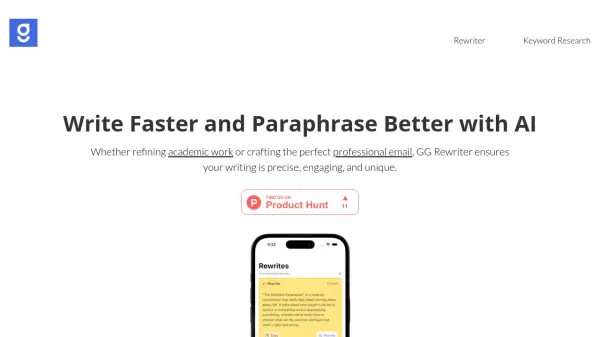
GG Rewriter is a comprehensive AI writing assistant that transforms the way users approach content creation and refinement. The tool combines advanced paraphrasing capabilities with intelligent writing enhancement features, making it an invaluable resource for both academic and professional writing needs.
Developed by experienced app developer Mehmet Çetin, GG Rewriter offers a sophisticated suite of writing tools including tone adjustment, style emulation, complexity modification, and vocabulary enhancement. The platform is available both as a downloadable application and through web access, providing flexibility for users to improve their writing across different platforms.
Features
- Tone Adjustment: Customize emotional impact for different audiences
- Style Emulation: Mimic famous writers' styles or create unique combinations
- Complexity Modification: Adjust content depth for different audience levels
- Formality Adjustment: Switch between formal and informal writing styles
- Vocabulary Enhancement: Choose appropriate terminology levels
- Cross-Platform Availability: Access via web or downloadable application
Use Cases
- Academic writing refinement
- Professional email composition
- Content paraphrasing
- Blog post creation
- Corporate communication
- Literary style adaptation
- Technical document simplification
FAQs
-
Who developed GG Rewriter?
GG Rewriter was developed by Mehmet Çetin, who has over a decade of experience in app development. -
What platforms is GG Rewriter available on?
GG Rewriter is available both as a downloadable application and through web access.