What is GemPix 2?
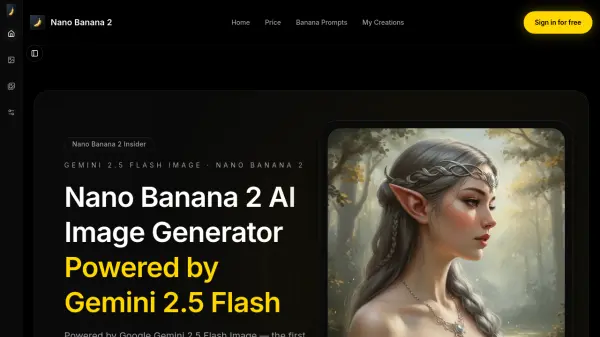
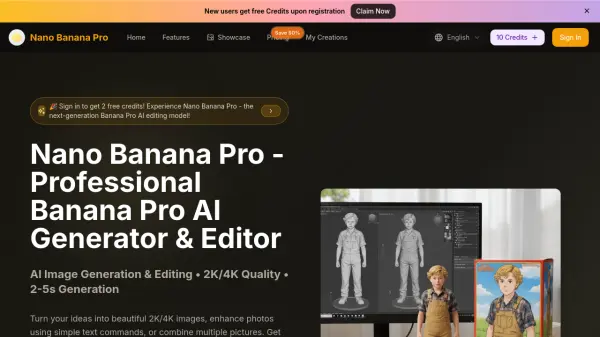
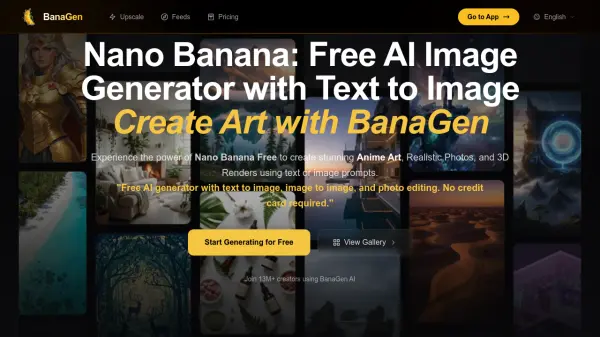
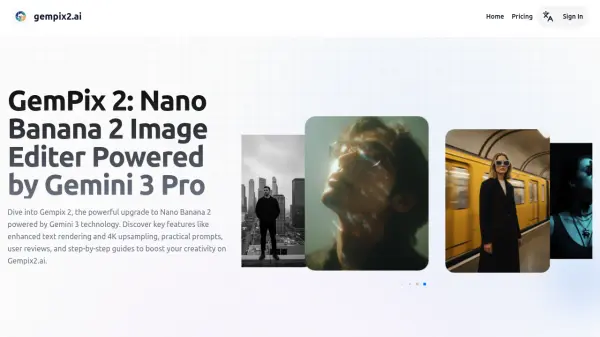
GemPix 2, codenamed Nano Banana 2, is an evolution of the original Nano Banana model launched by DeepMind in August 2025. Integrated with Gemini 3 Pro architecture, this AI-powered tool leverages advanced technology to enhance image generation and editing capabilities. Building on over 5 billion images created by its predecessor, GemPix 2 focuses on on-device efficiency for broader accessibility in creative workflows.
The platform offers key upgrades including improved text rendering for accurate labels, better infographic and chart creation, enhanced internationalization for multilingual support, and expanded world knowledge for context-aware visuals. It supports native 2K resolution with 4K upsampling, enabling sharper and more detailed outputs. These features address user feedback from the original model, making edits faster and more precise while maintaining ethical standards through built-in SynthID watermarking.
Features
- Enhanced Text Rendering: Accurate text integration within images for charts, posters, and infographics
- High-Resolution Support: Native 2K output with 4K upsampling for crisp, detailed images
- Multilingual Capabilities: Advanced internationalization support for diverse languages and cultural elements
- Ethical Watermarking: Built-in SynthID for transparent AI-generated content
- On-Device Efficiency: Fast processing capabilities on various devices
Use Cases
- Creating marketing and branding visuals for advertisements and social media
- Enhancing and editing photographs by removing objects or changing styles
- Generating creative art concepts and character designs for artistic exploration
- Developing educational charts and infographics with accurate data visualization
- Producing professional-grade visuals for print or digital media projects
FAQs
-
What is the difference between Basic and Pro plans?
The Pro plan provides more monthly credits (1500 vs 300), faster generation speeds through priority processing, and enhanced support compared to the Basic plan. -
Can I use generated images for commercial purposes?
Yes, images generated under any paid GemPix 2 subscription include full commercial use rights for publishing, selling, or client work. -
Do unused credits roll over to the next month?
No, credits do not roll over. Any unused credits expire at the end of each billing period and reset when the monthly cycle renews. -
How many images can I create each month?
The Basic plan includes 300 credits (typically 60 images) while the Pro plan includes 1500 credits (typically 300 images), with most generations using about 5 credits per image. -
Are generated images private?
Yes, all images created under your subscription are private to your account, stored securely, and not visible to other users unless you choose to share them.