What is GameSave Manager?
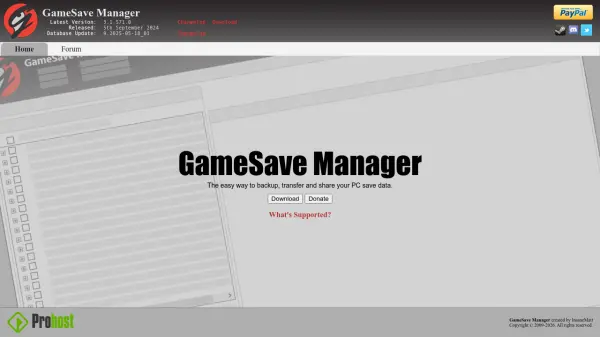
GameSave Manager is a specialized utility designed for PC gamers to manage their game save data efficiently. It provides a straightforward solution for creating backups of save files, enabling users to safeguard their progress against data loss or system failures. The tool facilitates seamless transfer of saves between different computers or storage devices, making it ideal for gamers who upgrade their systems or play across multiple machines.
Additionally, GameSave Manager supports sharing save data with others, allowing for collaborative gaming experiences or troubleshooting. Developed by InsaneMatt and regularly updated, it offers compatibility with a wide range of PC games, ensuring reliable performance and user-friendly operation without requiring advanced technical knowledge.
Features
- Backup Functionality: Creates secure backups of PC game save data to protect against loss
- Transfer Capability: Allows moving save files between different computers or storage devices
- Sharing Support: Facilitates sharing save data with other users for collaborative purposes
- Game Compatibility: Supports a wide range of PC games for reliable operation
- User-Friendly Interface: Designed for ease of use without advanced technical skills
Use Cases
- Backing up game progress to prevent data loss from system crashes or errors
- Transferring save files when upgrading to a new PC or switching between devices
- Sharing save data with friends for multiplayer games or troubleshooting issues
- Managing multiple game saves across different gaming platforms on PC
- Creating archives of save files for long-term storage or nostalgia purposes