FuturizeTech favicon

FuturizeTech
UI/UX Design Services by Ritul Rupapara

What is FuturizeTech?

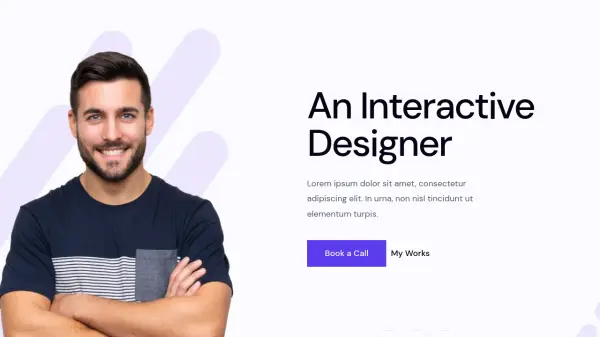
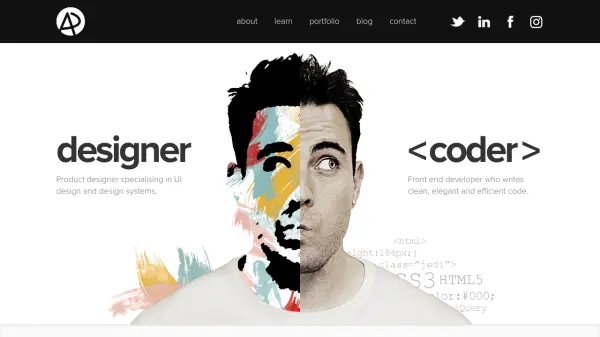
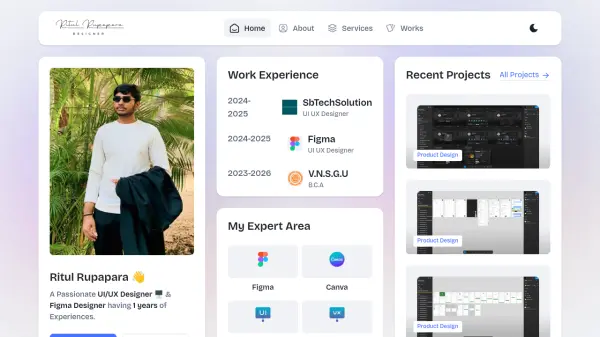
FuturizeTech provides UI/UX design services led by Ritul Rupapara, a designer with experience in Figma and Canva. The services focus on creating user interfaces and experiences for apps and websites, incorporating research and design processes.

The platform showcases recent projects and expertise in product design, with options for clients to book consultations or view portfolio work. It emphasizes practical design solutions for digital products.

Features

  • UI UX Design: Professional design services for user interfaces and experiences
  • App Design: Creation of mobile application designs
  • Figma Design: Design work using Figma tools
  • Web Design: Website interface and experience design

Use Cases

  • Designing user interfaces for mobile apps
  • Creating website layouts and experiences
  • Developing product designs for digital services
  • Providing UI/UX consultation for projects

Related Tools:

Blogs:

  • Long Videos into Viral Shorts

    Long Videos into Viral Shorts

    Klap.app is an AI-powered video editing tool that transforms long-form videos into engaging short clips optimized for platforms like TikTok, Instagram Reels, and YouTube Shorts

  • Best AI Tools For Startups

    Best AI Tools For Startups

    we've compiled a straightforward list of user-friendly AI tools designed to give startups a boost. Discover practical solutions to streamline everyday tasks, enhance productivity, and gain valuable insights without the need for a tech expert. Learn where and how these tools can be applied in your startup journey, from automating repetitive tasks to unlocking powerful data analysis. Join us as we explore the features that make these AI tools accessible and beneficial for startups in various industries. Elevate your business with technology that works for you!

  • Top 6 AI note-taking tools for 2026: in-person, online, and hybrid use cases

    Top 6 AI note-taking tools for 2026: in-person, online, and hybrid use cases

    Most AI note-taking lists are really lists of meeting bots, which join your video call and transcribe it. That's useful, but it's half the picture. Decisions happen in hallway conversations, client dinners, on-site visits, and hybrid rooms where nobody is on a video link. This guide covers different parts of the note-taking workflow: hardware capture for in-person settings, platform-native tools for online calls, and AI layers for organizing and synthesizing what you've captured. It compares six tools by capture context, workflow fit, pricing, and limitations.

  • Top AI tools for Teachers

    Top AI tools for Teachers

    Explore the top AI tools designed for teachers, revolutionizing the education landscape. These innovative tools leverage artificial intelligence to enhance teaching efficiency, personalize learning experiences, automate administrative tasks, and provide valuable insights, empowering educators to create engaging and effective educational environments.

Didn't find tool you were looking for?

Be as detailed as possible for better results