
What is Funcburger?
Funcburger is a platform that provides a collection of simple functions designed to be stacked together for creating automation workflows. Users can explore individual functions or combine them to build custom workflows for processing various types of content, including images, text, and files.
The tool offers a free plan with basic limitations on file size and quantity, while paid plans provide higher limits and additional features. Files uploaded to Funcburger workflows are automatically deleted from servers after approximately one hour, ensuring data privacy and security.
Features
- Image Processing: Functions for scaling, rotating, flipping, blurring, sharpening, pixelating, grayscaling, converting, and optimizing images
- Text Processing: Functions for generating, splitting, joining, appending, and prepending text
- File Management: Functions for renaming and compressing files
- Workflow Creation: Ability to stack multiple functions together to build custom automation workflows
- Free Plan: Basic functionality available at no cost with limitations on file size and quantity
Use Cases
- Automating image editing tasks like resizing and optimization
- Processing text data through splitting and joining operations
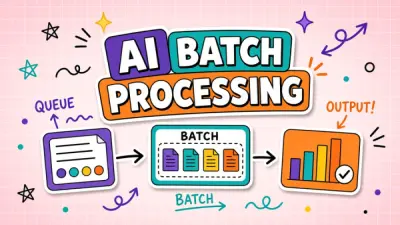
- Managing files by renaming and compressing in batches
- Creating custom workflows for repetitive content processing tasks
- Handling basic automation needs without coding knowledge
FAQs
-
Can I cancel my subscription?
Yes, you can cancel your subscription at any time from the billing page, with access continuing until the end of the billing period. -
What if I need higher limits than the Pro plan offers?
You can request a quote at [email protected] for higher limits or more seats.