What is Full Convert?
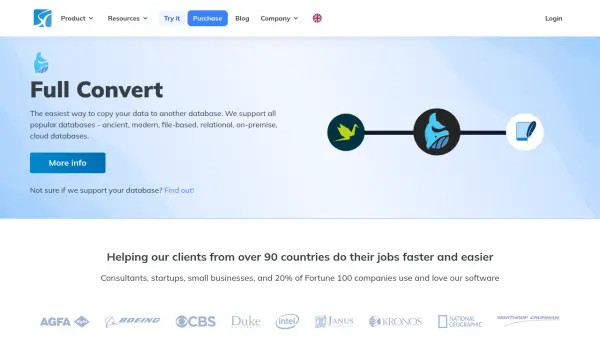
Full Convert facilitates quick and reliable migration of database tables and data between a wide spectrum of database platforms, including both modern and legacy systems. With an intuitive interface designed for ease of use, the tool automates the data transfer process, reducing manual effort and the risk of error for IT professionals and businesses. Full Convert supports over 40 database types—spanning file-based, relational, and cloud options—and provides comprehensive conversion capabilities, ensuring smooth transitions without the need for complex scripts or custom development.
Used globally by organizations from startups to Fortune 100 companies, Full Convert delivers a user-centric experience optimized for both speed and flexibility in data migration projects. Its compatibility with a broad array of platforms and robust support resources make it a trusted solution for database administrators, consultants, and business owners handling demanding data migration scenarios.
Features
- Broad Database Support: Enables migration between over 40 database platforms including file-based, relational, on-premise, and cloud databases.
- Intuitive User Interface: Simplifies source and destination selection for easy setup and operation.
- Automated Data Conversion: Automates the transfer of tables and records with minimal manual effort.
- Large Dataset Handling: Processes large volumes of data efficiently, supporting databases from megabytes to hundreds of gigabytes.
- Robust Support Resources: Access to comprehensive tutorials, changelogs, and documentation for troubleshooting and learning.
Use Cases
- Migrating legacy databases to modern relational or cloud environments.
- Consolidating multiple database systems into a single, unified platform.
- Transferring large-scale enterprise data with minimal downtime.
- Supporting consultants and IT professionals in client database migrations.
- Backing up and duplicating databases across diverse technology stacks.