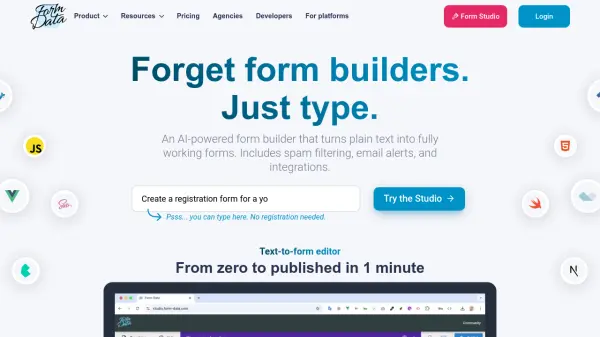
What is Form-Data?
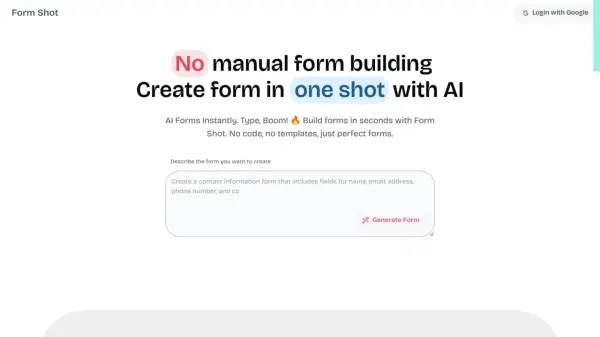
Form-Data empowers users to generate fully functional online forms simply by describing them in plain text, thanks to its AI-powered text-to-form technology. The platform streamlines the workflow for creating, publishing, and managing forms, eliminating the traditional drag-and-drop builders. Users enjoy instant form publishing, advanced spam filtering with six layers of protection, and the choice to share forms via link or embed them using multiple overlay styles.
This tool features automatic email notifications, confirmation messages for form respondents, and enables easy integrations with external tools such as Google Sheets, Slack, Mailchimp, and Zapier via webhooks. With support for file uploads, CSV export, and unlimited workspaces and forms, Form-Data suits individual creators, agencies, and development teams looking for a flexible, scalable, and user-friendly form management solution.
Features
- AI-Powered Text-to-Form: Instantly generate forms from plain text descriptions using artificial intelligence.
- Advanced Spam Filtering: Six layers of spam protection included on all plans.
- Flexible Embedding: Publish standalone forms or embed using inline, popup, side panel, or floating styles.
- File Uploads: Accept files from users with easy download access via notification emails.
- Email Notifications: Receive alerts for each form submission and notify form respondents automatically.
- CSV Export: Export submission data for further analysis or integration.
- Third-Party Integrations: Connect forms to Google Sheets, Slack, Mailchimp, Airtable, Pipedrive, and more via Zapier or webhooks.
- Unlimited Workspaces & Forms: Manage multiple projects without additional cost.
- Non-Expiring Credits: Usage-based pricing with credits that never expire.
- Data Retention Options: Store submissions up to 13 months with add-on.
Use Cases
- Quickly building and deploying online contact forms without coding.
- Collecting event registrations and feedback for marketing campaigns.
- Embedding forms into websites, landing pages, or client portals.
- Integrating user submissions with CRM or project management platforms.
- Gathering file uploads, such as resumes or event materials, from respondents.
- Automatically filtering spam from user-submitted forms.
- Exporting collected form responses for data analysis in spreadsheets.
FAQs
-
What happens when I run out of credits?
Form submissions are paused until more credits are added, and users can enable auto-recharge to avoid interruptions. -
Are all features included in every account?
All core features are included, with optional add-ons like teams, custom domains, no-bounce email protection, file uploads, and extended data retention available for a monthly fee. -
Do credits expire?
No, credits are non-expiring and can be used at any time. -
How does spam filtering work?
Six layers of spam protection filter out unwanted submissions, and spam does not count against your credit quota. -
Is customer support available?
Yes, support is available via the website widget, contact form, or email.