What is FocusTimers?
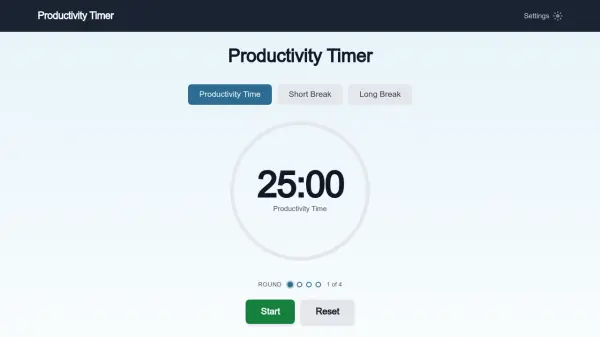
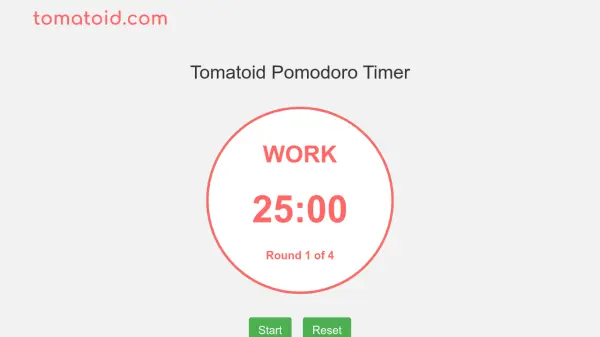
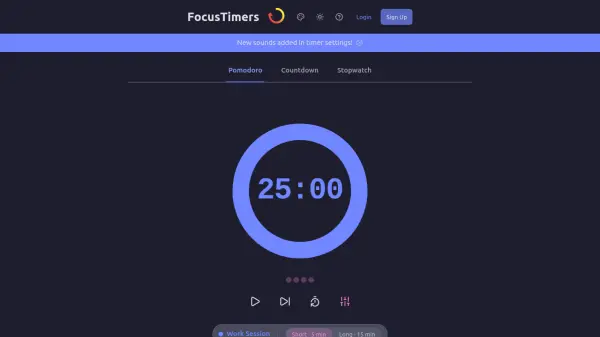
FocusTimers is an online Pomodoro timer designed to enhance productivity by implementing the Pomodoro Technique. This method involves breaking work into focused intervals, typically 25 minutes, followed by short breaks to maintain mental freshness and prevent burnout. The tool operates directly in web browsers without requiring installation, making it accessible on both desktop and mobile devices.
Users can customize work and break intervals to suit their workflow, such as adopting a 50/10 pattern for deep work sessions. The timer includes features like task tracking, audio alerts, and desktop notifications to ensure users never miss a break. It continues running in the background even when switching tabs, supported by accessibility features like keyboard navigation and screen reader compatibility.
Features
- Customizable Intervals: Adjust work and break times to fit different workflows, such as 25/5 or 50/10 patterns
- Smart Notifications: Provides audio alerts and desktop notifications to signal timer completion
- Task Tracking: Link sessions to specific tasks for productivity measurement
- No Installation Required: Works directly in web browsers on desktop and mobile devices
- Accessibility Features: Includes keyboard navigation, screen reader support, and focus management for inclusive use
Use Cases
- Studying for exams or learning new subjects
- Coding and software development projects
- Writing articles, reports, or creative content
- Managing work tasks to prevent burnout
- Improving time management and productivity in daily routines
FAQs
-
What is the best Pomodoro interval to use?
The classic interval is 25 minutes of work followed by a 5-minute break, but developers and writers often prefer 50 minutes of work with a 10-minute break for deeper focus. -
Does the timer work when I switch to other tabs or applications?
Yes, the timer continues running in the background even if you switch tabs. You can enable desktop notifications in settings for additional alerts.