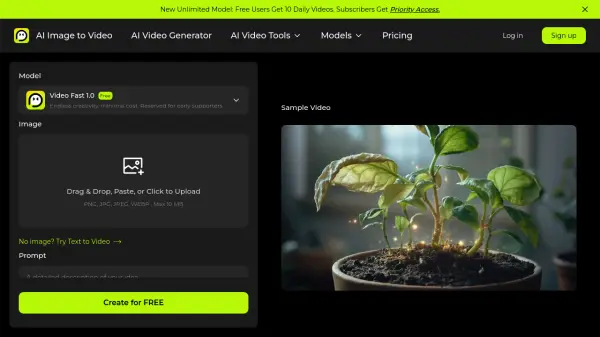
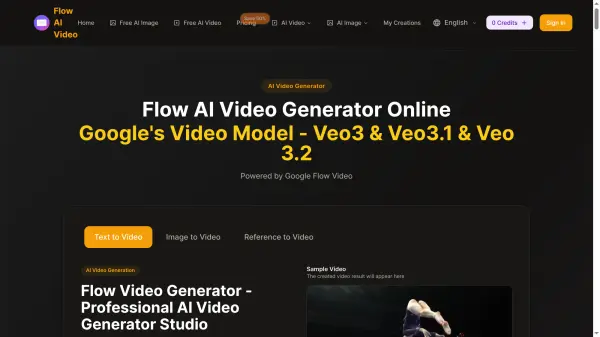
What is Flow AI Video?
<p>Flow AI Video is an enterprise-grade AI video generation platform powered by Google's Flow Video technology, including the Veo 3, Veo 3.1, and Veo 3.2 models. The platform enables users to produce stunning 4K cinematic videos from simple text descriptions or static images, leveraging advanced motion synthesis to deliver smooth, realistic, and visually compelling results. It supports multiple aspect ratios, video durations from 4 to 8 seconds, and resolutions up to 1080p Full HD, making it suitable for a wide range of professional and creative applications.</p><p>Flow AI Video stands out with its native multi-shot storytelling capability, which maintains consistency in characters, visual style, and atmosphere across scene transitions. The platform also supports diverse visual styles ranging from photorealism to anime and cyberpunk, and includes additional AI tools such as an image enhancer and background remover. Operating entirely in the cloud, it requires no downloads or installations and is accessible from any modern browser across desktop and mobile devices.</p>
Features
- Text to Video Generation: Convert text descriptions into high-quality 4K cinematic videos using advanced AI motion synthesis.
- Image to Video Conversion: Transform static images into dynamic video content with intelligent motion synthesis.
- Google Veo Models: Powered by Google's Veo 3, Veo 3.1, and Veo 3.2 video generation models for cutting-edge output quality.
- Native Multi-Shot Storytelling: Generate cohesive narrative videos with multiple shots while maintaining consistency in characters, style, and atmosphere.
- 4K HD Quality Output: Produce videos in up to 1080p Full HD resolution with smooth motion and cinematic aesthetics.
- Diverse Visual Styles: Create content in photorealism, anime, cyberpunk, watercolor, and other aesthetic styles.
- AI Image Enhancer: Built-in tool to upscale and enhance image quality for better video inputs and outputs.
- AI Background Remover: Integrated background removal tool for image preparation and editing.
- Ultra-Fast Processing: Cloud-based generation system designed for rapid video creation without compromising quality.
- No Watermark (Paid Plans): Download videos without watermarks on all paid subscription tiers.
Use Cases
- Creating marketing and advertising video content from text briefs
- Producing social media video posts and reels without a camera or crew
- Generating product demonstration videos for e-commerce
- Transforming still photography into cinematic motion videos
- Building creative storytelling and narrative video projects
- Rapid video prototyping and mockup creation for agencies
- Producing promotional content for campaigns and brand launches
- Creating educational or explainer videos from text prompts
How It Works
Choose Your Video Generation Mode
Select your preferred creation method from the available options: text-to-video, image-to-video, or reference-to-video, depending on your project needs.
Upload an Image or Enter a Text Prompt
Write a detailed text description of the video you want to create, or upload a static image that you wish to transform into a dynamic video using AI motion synthesis.
Configure Video Settings
Choose your preferred AI model, aspect ratio (16:9, 9:16, or Auto), video quality (720p HD or 1080p Full HD), and video duration (4, 6, or 8 seconds).
Generate Your Video
Click the Generate button and Flow AI Video will process your inputs using Google's Veo models to produce a high-quality 4K cinematic video in moments.
Review, Refine, and Download
Preview your generated video, use the advanced editing features to fine-tune any details, and download the final MP4 file directly to your device.
FAQs
-
What are credits and how do they work in Flow AI Video?
Credits are the currency used to generate videos on Flow AI Video. Each video creation consumes credits based on duration and resolution. Monthly plan credits reset at the start of each billing cycle, while one-time credit packs never expire. -
Do unused credits roll over to the next month?
Monthly plan credits do not roll over to the next month. Yearly plan credits are valid for the entire subscription period. One-time credit packs never expire. -
Can I use Flow AI Video-generated videos for commercial purposes?
Yes, all paid plans include commercial usage rights. You can use AI-generated videos for business purposes, marketing, social media, and other commercial applications. Free trial content may have usage restrictions. -
Is a mobile app available for Flow AI Video?
Flow AI Video is currently a browser-based platform and does not have a standalone mobile app. However, it is fully accessible through smartphone browsers and supports all features on mobile devices. -
What video formats can I download from Flow AI Video?
Flow AI Video generates and delivers video output in MP4 format, suitable for both individual and business use across marketing, social media, and professional video production.