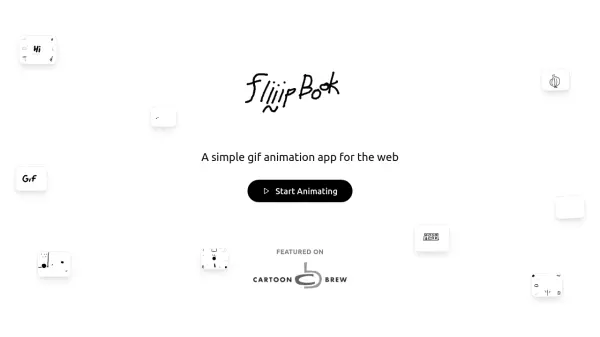
What is fliiipbook?
Fliiipbook provides a straightforward platform for creating GIF animations directly in a web browser, optimized for desktop and tablet use. It includes a 24-frame timeline, onion skinning for smooth motion, and various drawing tools like multiple brush sizes, a paint bucket, and a spray can with Spray-Fill™ functionality. The app supports textures for added creativity and offers keyboard shortcuts to streamline the workflow, along with undo/redo history and one-click GIF export with unique filenames.
This tool integrates AI to enhance the animation process, making it accessible for users to produce professional-quality animations without extensive technical skills. It is designed for quick, intuitive creation, allowing users to channel their creativity and share animations easily across the web.
Features
- 24 Frames: Provides 24 frames for creating 2-second looping animations
- Onion Skinning: Displays previous and next frames while drawing for improved timing and motion
- Keyboard Shortcuts: Includes hotkeys for both right-handed and left-handed users to speed up workflow
- GIF Export: Enables one-click export with unique filenames for easy sharing
- Drawing Tools: Offers 5 brush sizes, paint bucket, spray can, and Spray-Fill™ for versatile animation creation
- Textures: Allows adding textures to animations for enhanced creativity
- Undo/Redo History: Supports undo and redo actions for error correction
Use Cases
- Creating animated GIFs for social media posts
- Designing simple animations for websites or blogs
- Producing educational or explainer videos with basic animations
- Developing creative projects for personal or artistic expression
- Generating animated content for marketing or promotional materials