What is Fiscor?
Fiscor streamlines and enhances personal financial planning by consolidating all assets, liabilities, and income sources into one secure workspace. Users can visualize their net worth and project future cash flows using advanced simulation tools designed to support informed financial decisions.
By integrating smart budgeting capabilities and personalized goal tracking, Fiscor offers an easy-to-use suite of features for efficient scenario planning. Its intelligent platform assists users in setting, monitoring, and achieving financial goals, making the journey to financial freedom more accessible and manageable.
Features
- Financial Aggregation: Consolidates all assets, liabilities, and income.
- Wealth Workspace: Visualizes net worth and future cash flow.
- Lifetime Projections: Creates advanced financial scenario simulations.
- Smart Budgeting: Tracks spending and manages expenses using Plaid.
- Goal-Based Planning: Enables personalized financial goal setting and tracking.
- Advisor Functionality: Streamlines client onboarding and focuses on actionable advice.
Use Cases
- Track and monitor net worth over time
- Create and compare different financial scenarios
- Visualize cash flow and project future needs
- Set and manage personalized financial goals
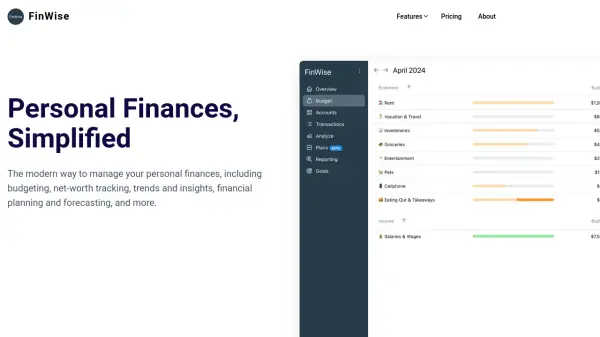
- Simplify budgeting and expense tracking
- Assist financial advisors with efficient client onboarding