What is Firefox Relay?
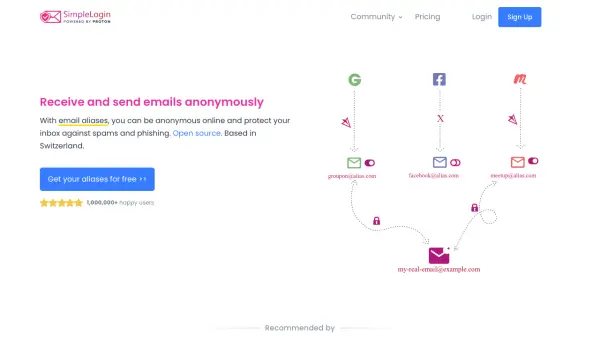
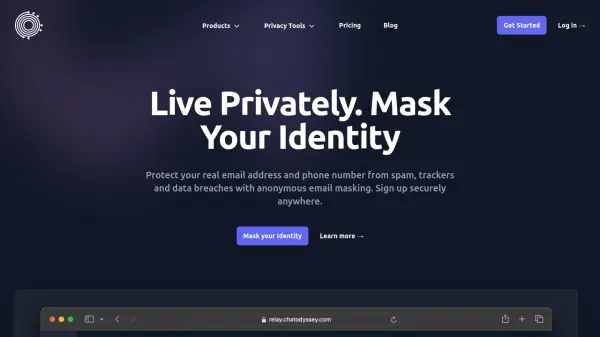
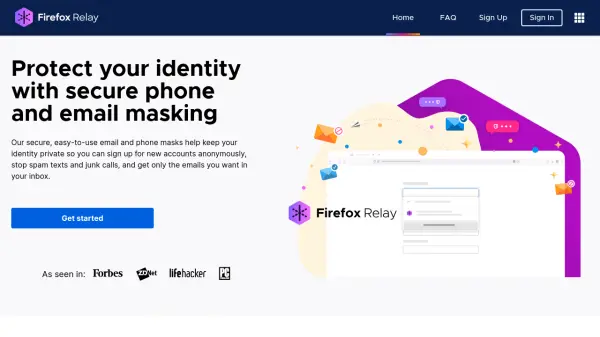
Firefox Relay is designed to safeguard user identities by providing secure, randomly generated email and phone masks. This solution allows individuals to interact online without ever sharing their real contact details, reducing exposure to spam, unwanted messages, and online trackers. Users can conveniently create, manage, and label their masks via a dedicated dashboard, blocking unwanted communications as needed.
The service offers both free and premium plans, with premium subscribers enjoying unlimited mask creation, unique domains for instant mask generation, and the ability to reply to messages anonymously. Integrating seamlessly with the Firefox browser as an extension, Firefox Relay also works on other browsers and mobile devices, giving users control and peace of mind whenever their identity might be at risk.
Features
- Email Masking: Generate secure, random email masks to protect your real address.
- Phone Masking: Create masked phone numbers for privacy when signing up for new services.
- Anonymous Replies: Reply to emails and texts without revealing your actual contact information.
- Mask Management: Use a dashboard to manage, label, and block specific masks.
- Spam Control: Block promotional emails while allowing important messages through.
- Tracker Removal: Remove common email trackers from forwarded messages.
- Browser Extension: Seamless integration with Firefox and use on other browsers and devices.
- Instant Mask Creation: Create new masks quickly using a unique domain (premium feature).
Use Cases
- Protect personal email and phone numbers when signing up for online accounts.
- Reduce spam and unwanted calls or texts by using disposable masks.
- Maintain privacy while responding to marketing or informational emails.
- Safeguard identity during online shopping, restaurant reservations, or app signups.
- Block trackers and promotional emails to enhance inbox security.
FAQs
-
What is a Relay email mask?
A Relay email mask is a private email address that forwards messages to your real email address, allowing you to share your information securely without exposing your true contact details. -
When should I use Relay email masks?
Relay email masks are best used when signing up for marketing or informational emails where you may want to control future communication, but they should be avoided for identity verification or highly sensitive communications. -
Can I use Firefox Relay on browsers other than Firefox or on mobile devices?
Yes, you can access and generate Relay masks on any browser or mobile device by logging in to your Relay dashboard. -
Does Firefox Relay remove email trackers?
Yes, Firefox Relay can remove common email trackers from emails forwarded to you, enhancing your online privacy.