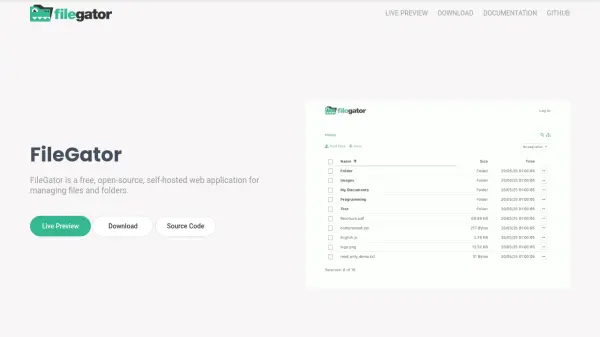
What is FileGator?
FileGator is a free, open-source, self-hosted web application that provides a simple and efficient way to manage files and folders. It allows users to upload, download, organize, and share files from their own server, giving them full control over their data.
With FileGator, you can set up a file management system on your own infrastructure without relying on third-party services. It is ideal for individuals and organizations that prioritize data privacy and customization.
Features
- Self-hosted: Run FileGator on your own server for full control.
- Open-source: Free to use and modify under an open-source license.
- File management: Upload, download, organize, and share files and folders.
- Multi-user support: Manage multiple users with different permissions.
- API integration: Extend functionality with its API.
Use Cases
- Managing files for a small business or team.
- Providing a private file sharing portal.
- Hosting a file repository for a project.
- Controlling data access in a self-hosted environment.
FAQs
-
Is FileGator free to use?
Yes, FileGator is free and open-source. -
Can I host FileGator on my own server?
Yes, FileGator is self-hosted, so you can run it on your own server. -
Does FileGator support multiple users?
Yes, FileGator supports multiple users with different permissions.