What is EverLearns?
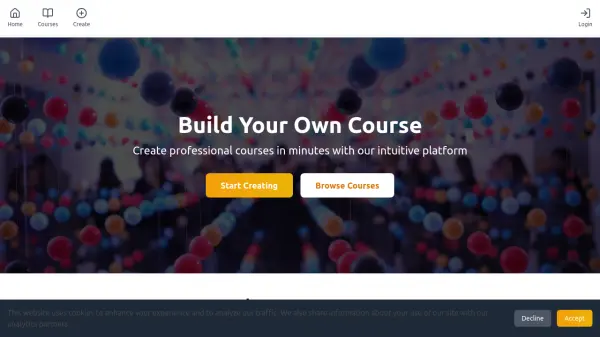
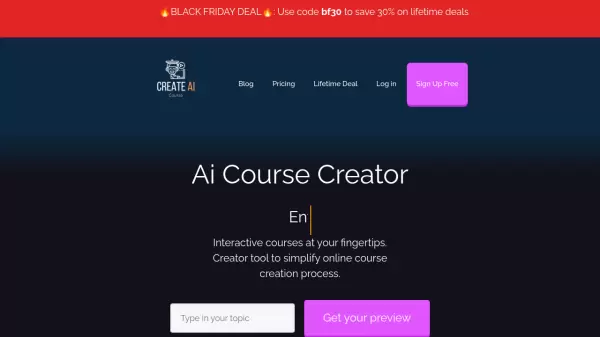
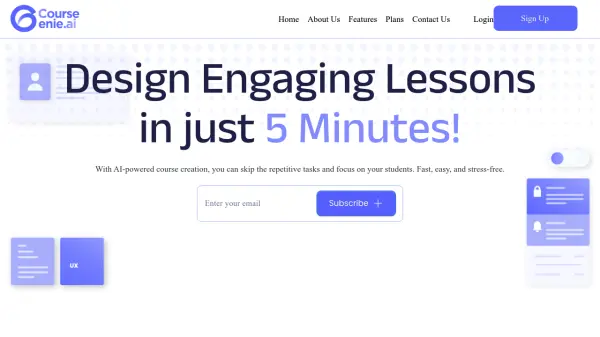
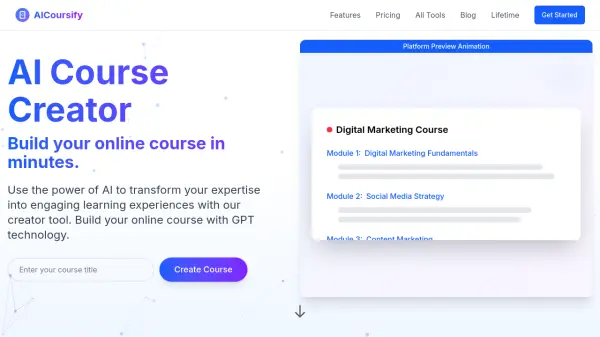
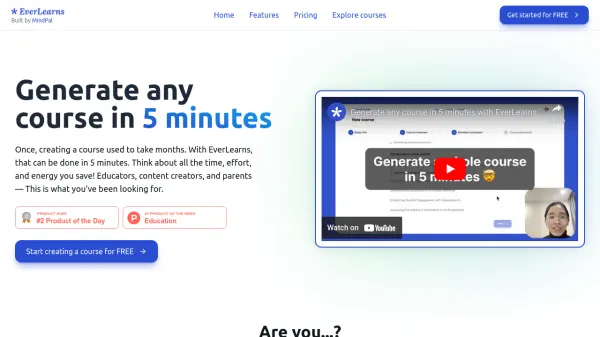
EverLearns revolutionizes course creation by leveraging AI to generate complete, customized courses in as little as 5 minutes. The platform is designed for educators, content creators, and parents who need to develop educational content quickly and efficiently.
EverLearns allows turning existing materials, such as YouTube videos and lecture recordings, into structured courses. It offers a human-centric generation process, integrating user feedback throughout. The AI-powered smart editor and auto-generated lessons streamline content creation, with interactive elements like quizzes, flashcards, and mindmaps available to enrich the learning experience. Finished courses can be instantly published online or exported as PDFs.
Features
- Rapid Course Generation: Generate courses on any topic in just 5 minutes.
- Content Transformation: Turn YouTube videos, lecture recordings, and other materials into structured courses.
- Human-Centric Approach: Involves users in the generation process for feedback and customization.
- AI-Powered Smart Editor: Simplifies writing and editing with AI assistance.
- Interactive Elements: Add quizzes, flashcards, and mindmaps to enhance engagement.
- One-Click Publishing: Instantly publish courses online.
- PDF Export: Convert courses into PDF format for easy sharing.
Use Cases
- Creating educational content for online audiences.
- Saving time on manual course development for educators.
- Building high-quality courses for children efficiently.
- Converting existing video or audio content into structured learning materials.
FAQs
-
Can I add images or videos into my course?
Yes. -
Can I export my created courses?
Yes, you can export your course as a PDF. -
What materials can I upload to EverLearns?
You can upload various materials, including YouTube videos and lecture recordings. -
Does EverLearns support other languages besides English?
Yes. -
Can I add members to collaborate on creating courses?
Yes.