What is Embra?
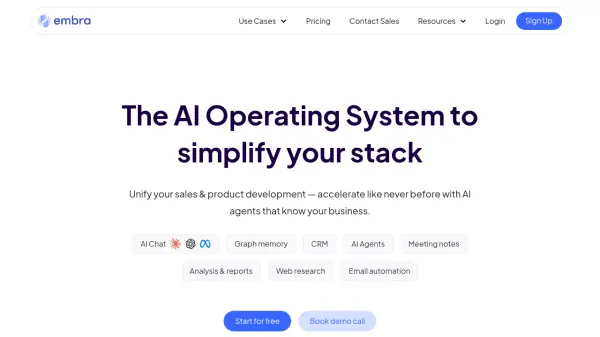
Embra is an AI operating system designed to streamline workflows for sales and product development teams. It provides a centralized hub for all your meeting recordings, transcriptions, and analyses.
The platform leverages AI to automate tasks such as note-taking, CRM updates, email follow-ups, and meeting scheduling. Embra's graph memory links calls, documents, and data, allowing users to uncover trends and insights. Its AI agents can be customized to perform common tasks, boosting team productivity.
Features
- Meeting Notes: Customize notes to fit your style and agenda, saving only high-quality takeaways.
- Graph Memory: Link calls, docs, and data to track work across deals and projects, uncovering trends with weekly generated reports.
- AI Agents: Schedule follow-ups, reminders, and next steps instantly after meetings, tailoring workflows to common tasks.
- Meeting Recordings: Keep all your meeting recordings in one centralized hub, accessible to your team.
- Transcriptions: Get accurate transcriptions of your calls and find key moments with a simple search.
- Custom Templates: Turn your meeting notes into reports, slides, or custom formats effortlessly.
- Translation: Convert meeting notes, transcripts, and knowledge into any language in seconds.
- AI Chat: Access top LLMs within the platform.
- Team Collaboration: Share data, chats, documents, and more with Embra's team features.
- Prompt Library: Save and automate your favorite prompts with advanced features.
Use Cases
- Customer Discovery
- 1x1 Meetings
- User Research
- Sales Meetings
- Product Development Meetings
FAQs
-
Who has access to my data?
All memories created with Embra are saved within your Workspace. You have complete control over what's shared or kept private. -
Does Embra sell any of my data?
Nope. The only person we make your data easily accessible to is you. -
Is Embra free?
Embra's Meeting Copilot is free to get started with but only functions like most other meeting assistants. For the full tool, we provide paid plans with more powerful memory features that you can explore on our pricing page.