
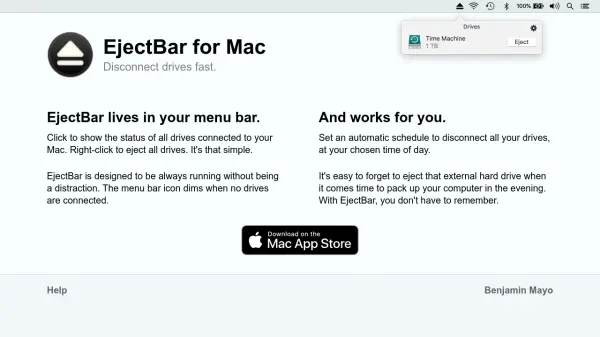
What is EjectBar?
EjectBar is a utility application designed for Mac users that resides in the menu bar, providing immediate access to the status of all connected drives. With a simple click, users can view which drives are connected, and a right-click enables the ejection of all drives simultaneously. The tool operates unobtrusively, with its menu bar icon dimming when no drives are connected, ensuring it runs continuously without causing distractions.
The application includes an automated scheduling feature that allows users to set specific times for disconnecting all drives automatically. This functionality addresses common issues, such as forgetting to eject external hard drives before packing up a computer, by eliminating the need for manual intervention. EjectBar streamlines drive management through its intuitive interface and reliable performance.
Features
- Menu Bar Integration: Resides in the Mac menu bar for easy access to drive status and ejection options
- Quick Ejection: Allows ejection of all connected drives with a single right-click action
- Automated Scheduling: Enables setting automatic schedules to disconnect all drives at specified times
- Unobtrusive Design: Icon dims when no drives are connected to minimize distractions while running continuously
Use Cases
- Quickly ejecting all external drives before shutting down or moving a Mac
- Automating drive disconnections at specific times to prevent data loss or corruption
- Monitoring connected drive status directly from the menu bar without opening additional applications
- Simplifying drive management for users who frequently connect and disconnect multiple drives