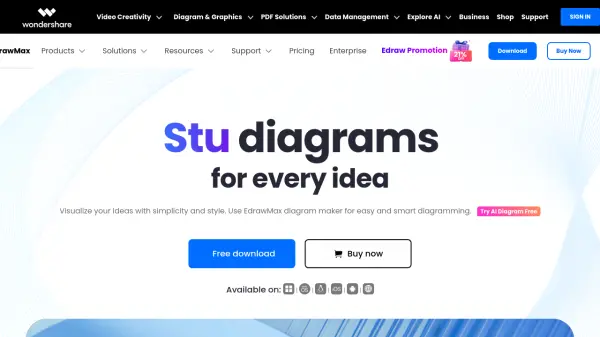


What is EdrawMax?
EdrawMax is a comprehensive diagramming software designed to visualize ideas with simplicity and style. It offers a user-friendly interface, similar to MS Office, making it easy to navigate and use, even for beginners. The software supports a wide range of diagram types, enabling users to create everything from flowcharts and mind maps to organizational charts and floor plans.
EdrawMax provides features including drag-and-drop functionality, and collaboration options like cloud storage and file sharing. It incorporates AI-powered features for enhanced diagram creation and analysis. The system provides security using 256-bit SSL encryption, and reliability, including autosave function.
Features
- Simple UI: Clean and neat interface similar to MS Office with intuitive toolsets and drag-and-drop functionality.
- Rich Resources: 23K+ user-made templates, 850 built-in templates, and 26k free symbols.
- AI-Powered Features: Generate symbols, stickers, and 22 types of diagrams with AI, along with analysis tools.
- Collaboration Tools: Save files on the cloud, share through links, and export in 13 formats, including VSDX, PPTX, and SVG.
Use Cases
- Info Visualization
- Brainstorming Ideas
- Project Management
- Research & Design
- Strategy & Planning
- Meeting & Workshop
- Working Remotely