Docugram favicon

Docugram
Transform documents into dynamic flowcharts effortlessly.

What is Docugram?

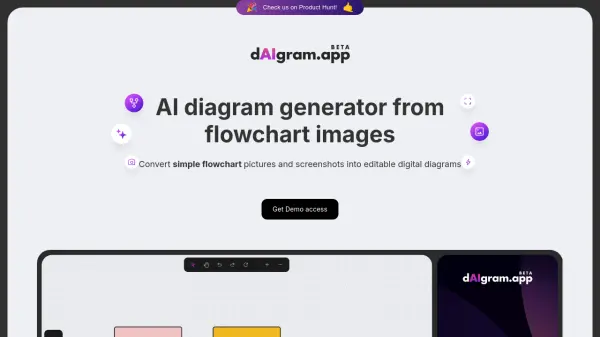
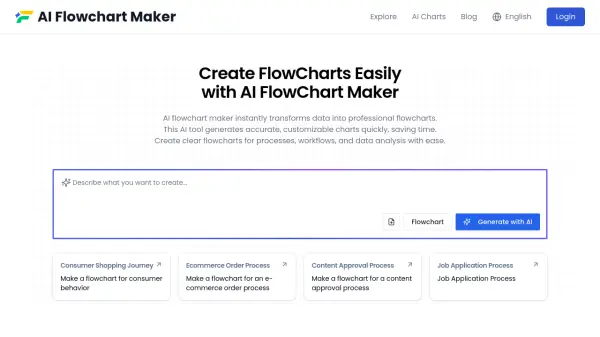
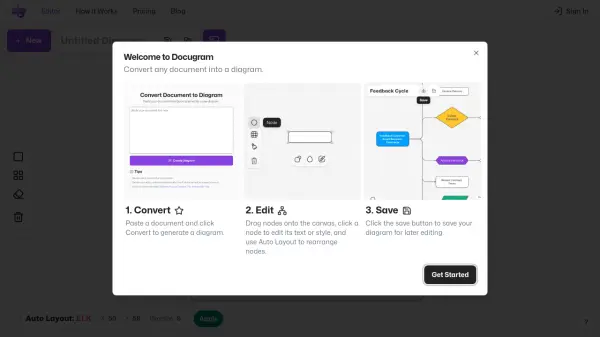
Docugram is a tool designed to convert text documents into dynamic, interactive flowcharts. It provides an intuitive diagram editor that allows users to customize shapes, colors, and sizes.

The platform enhances productivity with features like time-saving automatic layout algorithms and offers complete control over data with local saving and loading capabilities. Docugram is suitable for both personal and professional project management.

Features

  • Document-to-Diagram Generation: Convert text documents into flowcharts.
  • Diagram Editor: Customize diagrams with various shapes, colors, and sizes.
  • Automatic Layout Algorithms: Save time with automatically organized layouts.
  • Local Saving and Loading: Maintain full control over data with local file handling.

Use Cases

  • Project whiteboarding
  • Brainstorming sessions
  • Strategic planning
  • Project management

Related Tools:

Blogs:

  • Best Content Automation AI tools

    Best Content Automation AI tools

    Streamline your content creation process, enhance productivity, and elevate the quality of your output effortlessly. Harness the power of cutting-edge automation technology for unparalleled results

  • Top AI tools for Students

    Top AI tools for Students

    These AI tools are designed to enhance the learning experience for students. From personalized study plans to intelligent tutoring systems.

  • Top 6 AI note-taking tools for 2026: in-person, online, and hybrid use cases

    Top 6 AI note-taking tools for 2026: in-person, online, and hybrid use cases

    Most AI note-taking lists are really lists of meeting bots, which join your video call and transcribe it. That's useful, but it's half the picture. Decisions happen in hallway conversations, client dinners, on-site visits, and hybrid rooms where nobody is on a video link. This guide covers different parts of the note-taking workflow: hardware capture for in-person settings, platform-native tools for online calls, and AI layers for organizing and synthesizing what you've captured. It compares six tools by capture context, workflow fit, pricing, and limitations.

Didn't find tool you were looking for?

Be as detailed as possible for better results