What is Editor.Pho.to?
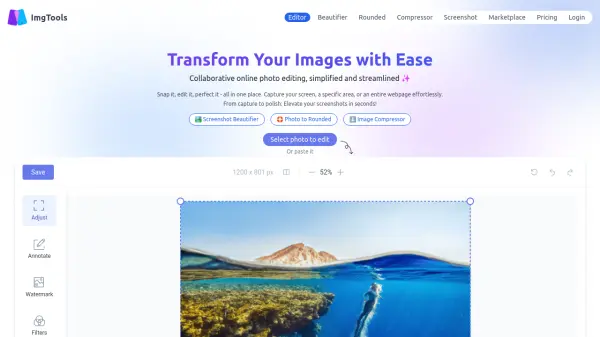
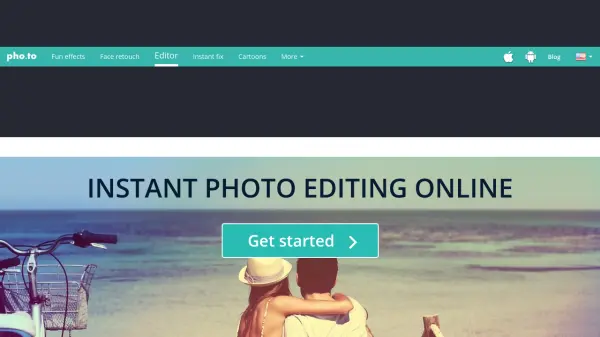
Editor.Pho.to enables users to edit photos online with ease, requiring no advanced skills or installation. It supports essential operations such as cropping, rotating, resizing, and basic adjustments for brightness, contrast, shadows, and highlights. Users can enhance colors by changing hue and saturation, optimizing color temperature, and sharpening images, all previewed in real time.
Creative features let users add stickers, customizable frames, and text captions with a selection of fonts. A variety of stylish filters and effects, including black and white, sepia, vignetting, and pixelation, help modernize or stylize photos. The platform offers an accessible and intuitive interface designed for quick, fun, and high-quality photo editing experiences.
Features
- Basic Editing: Crop, rotate, resize, and straighten photos with intuitive tools.
- Image Adjustments: Instantly modify brightness, contrast, shadows, highlights, hue, saturation, color temperature, and sharpness.
- Decorative Elements: Over 300 stickers, 30 customizable frames, and 20 fonts for text captions.
- Creative Effects: Apply filters like black and white, sepia, vignetting, pixelation, tilt-shift, and selective focus.
- Format and Quality Control: Save edited images in .jpg or .png formats, choosing desired quality and size.
Use Cases
- Quickly improving digital photos before sharing on social media.
- Enhancing brightness, color, and sharpness in vacation or event pictures.
- Adding text captions and creative decorations to images for blogs or e-cards.
- Applying trendy filters or vintage effects to portraits and landscapes.
- Resizing and cropping photos for website or profile use.
FAQs
-
Can I use Editor.Pho.to for free?
Yes, Editor.Pho.to is free to use and does not require registration or installation. -
Which image formats can I save edited photos in?
You can save your edited photos in .jpg or .png formats depending on your preference. -
Does the platform support multiple languages?
Yes, Editor.Pho.to supports several languages including English, Russian, Spanish, French, German, Chinese, Italian, Turkish, and Portuguese.