

What is Drive Password?
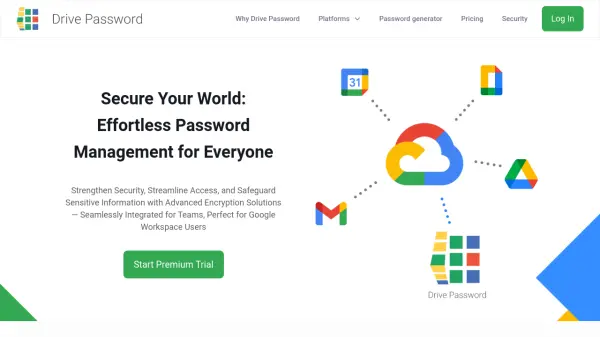
Drive Password provides a comprehensive password management solution designed to enhance security while maintaining accessibility. The platform utilizes state-of-the-art end-to-end encryption to protect sensitive information, ensuring data remains inaccessible to unauthorized parties including third-party providers. All encrypted data is stored directly in users' Google Drive accounts, providing automatic backups without vendor lock-in.
The solution offers seamless integration with Google Workspace and supports multiple platforms including web applications, mobile apps, desktop applications, and browser extensions. Features include secure password sharing, team collaboration tools, two-factor authentication options, password generation, and automatic import capabilities from other password managers. The intuitive interface and flexible organization system make it suitable for teams of all sizes seeking to streamline their security processes.
Features
- End-to-End Encryption: Advanced encryption ensures data remains inaccessible to unauthorized parties including third-party providers
- Google Workspace Integration: Seamless integration with Google Workspace for enhanced productivity and accessibility
- Cross-Platform Accessibility: Available on web, iOS, Android, Chrome, macOS, Windows, and Linux platforms
- Team Collaboration: Secure sharing features with permissions management for teams of all sizes
- Google Drive Storage: All encrypted data stored directly in users' Google Drive accounts for automatic backups
- Password Generator: Creates unique passwords according to latest security standards
- Two-Factor Authentication: Supports multiple 2FA methods including biometric identification and Google Authenticator
- Automatic Import: Easy migration from other password managers with guided import process
Use Cases
- Team password management for businesses using Google Workspace
- Secure storage and sharing of sensitive information across organizations
- Password management for remote teams requiring cross-platform accessibility
- Individual password management with enhanced security features
- Migration from other password managers to a more secure solution
- Business compliance with data security requirements through encrypted storage