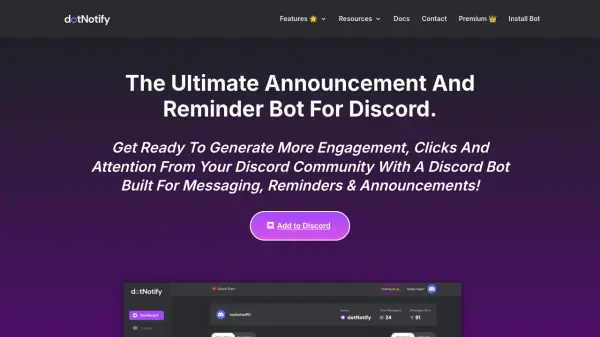
What is dotNotify?
dotNotify provides a comprehensive solution for managing Discord server communications through automated scheduling and message management. The tool features a Discord-ready message builder with live preview capabilities, allowing users to create perfectly formatted announcements with emojis and embed messages using an intuitive WYSIWYG editor.
Users can schedule messages across different channels in any timezone, set up recurring reminders (hourly, daily, weekly, bi-weekly, or monthly), and manage all communications through a centralized dashboard. The platform supports role tagging and channel linking within messages, plus offers a custom bot feature where users can create their own bot for message delivery without coding experience.
Features
- Discord Reminder Bot: Schedule hourly, daily, weekly, bi-weekly, or monthly reminders for any channel
- Discord Announcement Bot: Schedule multiple announcements across different channels with timezone support
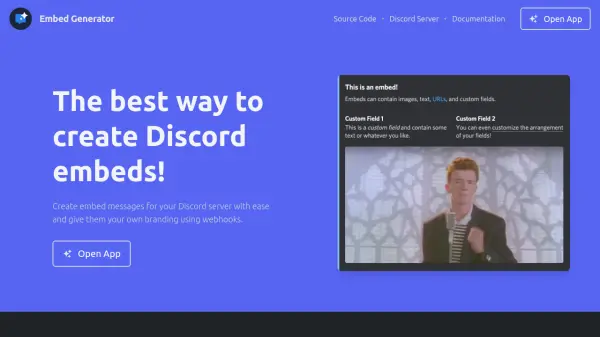
- Discord Embed Generator: Create embed messages with customizable colors, images, and clickable buttons using a WYSIWYG editor
- Custom Discord Bot: Set up your own bot with custom name and image for message delivery
- Message Management Dashboard: Edit, delete, pause, or copy scheduled messages and reminders in one place
Use Cases
- Scheduling product launch announcements in Discord communities
- Setting up regular event reminders for server members
- Creating embed messages for marketing campaigns
- Managing multiple server communications from a single dashboard
- Automating community engagement with scheduled messages