What is Do Browser?
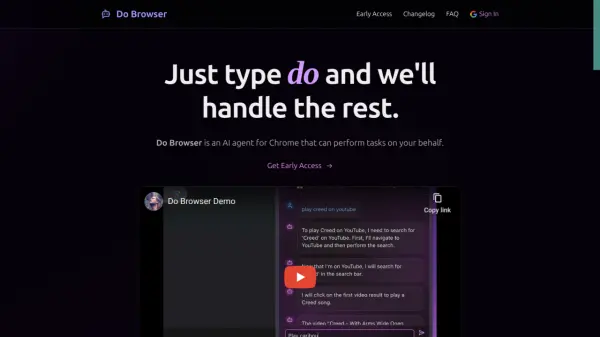
Do Browser is an AI agent for Chrome that can perform tasks on your behalf. It is designed to understand natural language commands and execute actions within the browser environment. Access the tool by typing 'do' in the address bar, pressing Cmd+K (or Ctrl+K), or using voice commands.
Do Browser offers customizable behavior, allowing users to tailor its actions to their specific workflows through a dedicated settings panel. This adaptability ensures efficient handling of unique requirements and preferences.
Features
- Easy to Access: Type 'do' in your address bar, press Cmd+K (or Ctrl+K), or use voice commands.
- Natural Language Control: Describe what you want in plain English.
- Customizable & Adaptable: Customize Do Browser's behavior through the settings panel to match your needs.
- Shopping Assistant: Compare products, check prices and reviews across different stores.
- Form Automation: Fill out forms and input fields automatically with natural language.
- Dashboard Navigation: Navigate and interact with complex dashboards.
- Task Automation: Automate repetitive web tasks like form filling and data entry.
Use Cases
- Compare prices for products across different online stores.
- Automate filling out online forms.
- Navigate complex web dashboards.
- Automate repetitive tasks like data entry.