What is DiverseShot?
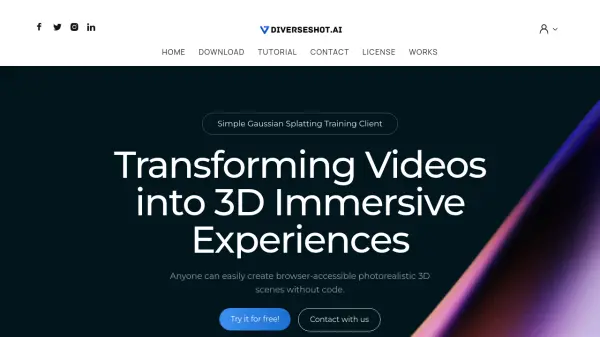
DiverseShot is a client that simplifies the process of creating 3D models from video. It leverages Gaussian Splatting technology, allowing users to transform standard video footage into interactive 3D experiences. The software is designed for ease of use, enabling the creation of browser-accessible 3D scenes without requiring coding knowledge. The workflow involves capturing video, processing it within the DiverseShot client, and exporting the result for web viewing.
The software supports real-time observation of the training process, and it provides features to crop unnecessary point clouds. Users can export the reconstructed 3D models in .ply format. Integration with platforms like Spline is recommended for further editing and web display.
Features
- Video to 3D Conversion: Transforms video footage into interactive 3D scenes.
- Gaussian Splatting Training: Utilizes Gaussian Splatting for 3D reconstruction.
- Real-time Training Observation: Allows users to see the training progress in real-time.
- Point Cloud Cropping: Provides tools to remove unnecessary point clouds.
- Browser Accessibility: Creates 3D scenes that can be viewed directly in a web browser.
- Export to .ply Format: Exports 3D models in the .ply file format.
- .ply file export: allowed user import .ply files and perform secondary editing.
Use Cases
- Creating interactive 3D models of objects for online display.
- Generating 3D representations of scenes from video recordings.
- Developing web-based 3D experiences without coding.
- Creating 3D assets for use in design and visualization projects.