Disconnect favicon

Disconnect
Empowering privacy with advanced tracker protection.

What is Disconnect?

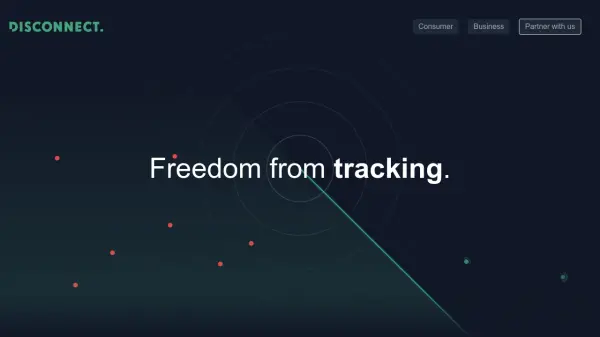
Disconnect provides advanced online privacy solutions by detecting and blocking trackers present on websites, mobile apps, and emails. Using cutting-edge artificial intelligence, its platform scans digital environments to identify invasive tracking technologies, ensuring user data remains secure and private.

With a robust data engine, Disconnect not only protects individuals but also powers privacy features for multiple popular products and networks. This comprehensive approach results in faster, safer digital experiences by effectively reducing online tracking threats throughout the internet ecosystem.

Features

  • Comprehensive Tracker Detection: AI scans to identify trackers on websites, apps, and emails.
  • Block Tracking Technologies: Automatically blocks a wide range of tracking scripts and pixels.
  • Increased Online Speed: Improves loading time by removing resource-heavy trackers.
  • Data Engine Integration: Powers privacy controls for various apps and network products.
  • Massive Coverage: Scans over a million websites, five million apps, and ten million emails.

Use Cases

  • Protecting personal data while browsing the internet.
  • Securing business networks from intrusive tracking.
  • Speeding up website and app load times by blocking trackers.
  • Enhancing privacy for mobile device usage.
  • Enabling privacy-focused email experiences.

Related Tools:

Blogs:

  • Top 6 AI note-taking tools for 2026: in-person, online, and hybrid use cases

    Top 6 AI note-taking tools for 2026: in-person, online, and hybrid use cases

    Most AI note-taking lists are really lists of meeting bots, which join your video call and transcribe it. That's useful, but it's half the picture. Decisions happen in hallway conversations, client dinners, on-site visits, and hybrid rooms where nobody is on a video link. This guide covers different parts of the note-taking workflow: hardware capture for in-person settings, platform-native tools for online calls, and AI layers for organizing and synthesizing what you've captured. It compares six tools by capture context, workflow fit, pricing, and limitations.

  • Top AI tools for Teachers

    Top AI tools for Teachers

    Explore the top AI tools designed for teachers, revolutionizing the education landscape. These innovative tools leverage artificial intelligence to enhance teaching efficiency, personalize learning experiences, automate administrative tasks, and provide valuable insights, empowering educators to create engaging and effective educational environments.

  • Top AI tools for Students

    Top AI tools for Students

    These AI tools are designed to enhance the learning experience for students. From personalized study plans to intelligent tutoring systems.

  • Chat with PDF AI Tools

    Chat with PDF AI Tools

    Easily interact with your PDF documents using our advanced AI-powered tool. Whether you're reading lengthy reports, research papers, contracts, or eBooks, our platform lets you chat directly with your PDF files, ask questions, extract insights, and get summaries in real-time.

Didn't find tool you were looking for?

Be as detailed as possible for better results