
What is Directory Scout?
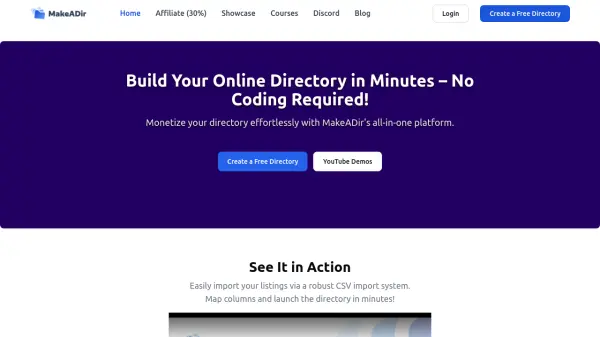
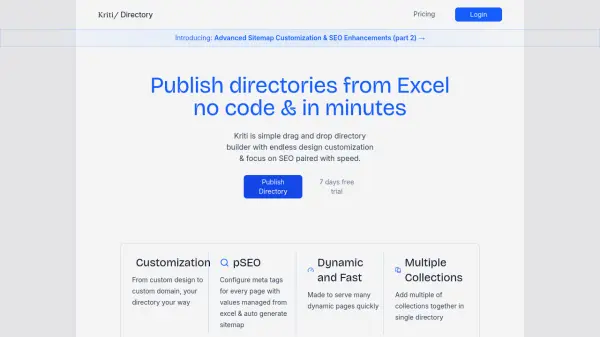
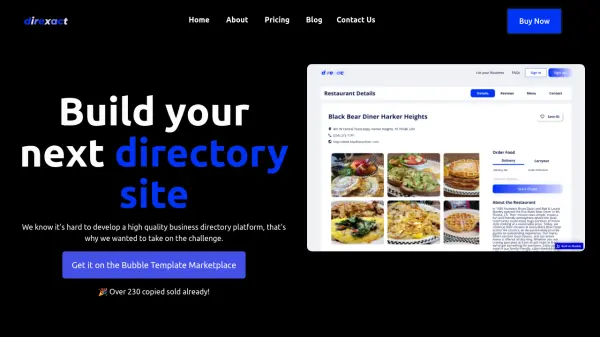
Directory Scout is a comprehensive resource for individuals and businesses looking to create and manage web directories. It offers a curated selection of over 100 tools, including templates, themes, plugins, boilerplates, starter kits, and no-code platforms. The platform focuses on providing solutions that enable users to launch, grow, and monetize their directories efficiently.
Users can explore various categories such as No Code Platforms, Boilerplates & Starter Kits, UI Kits & Templates, and specific tools for platforms like WordPress, Framer, Google Sheets, Carrd, Airtable, and Webflow. Directory Scout also features a directory of directories and submission tools, making it a one-stop hub for directory-related resources.
Features
- Curated Listings: Over 100 tools, templates, and platforms for directory creation
- Category Organization: Tools sorted by type including No Code Platforms, Boilerplates, and UI Kits
- Platform-Specific Resources: Templates and tools for WordPress, Framer, Carrd, Airtable, Webflow, and Google Sheets
- Featured Software: Highlighted tools with pricing and descriptions for easy discovery
- Directory of Directories: Additional resources for finding and submitting to directories
Use Cases
- Finding templates to build a web directory from scratch
- Discovering no-code platforms for creating directory websites
- Locating boilerplates and starter kits for directory development
- Exploring tools for managing and growing directory listings
- Submitting directory software to get featured on the platform