What is Digital Clock Online?
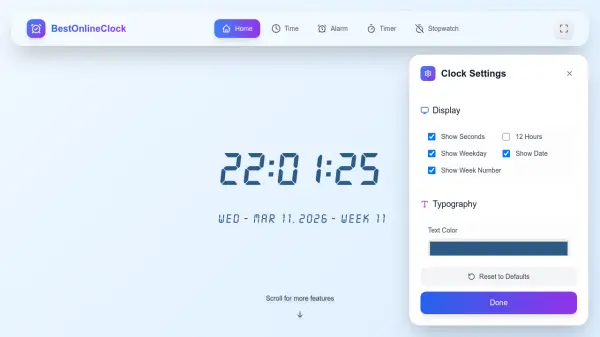
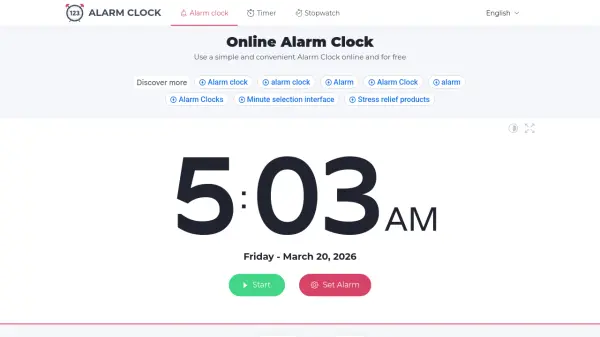
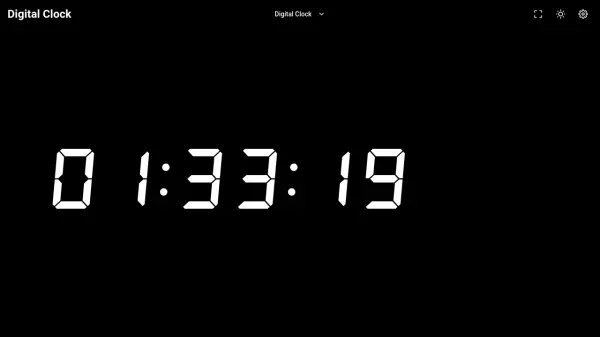
Digital Clock Online is a free, browser-based tool that displays the current time in real-time with a clean and minimalist design. It offers a variety of clock templates including digital, blue, red, amber, orange, pure dark, dark, light, and classic styles, as well as a Flip Clock mode for retro aesthetics. Users can customize the display format (12-hour or 24-hour), show or hide seconds, and toggle the day and year view.
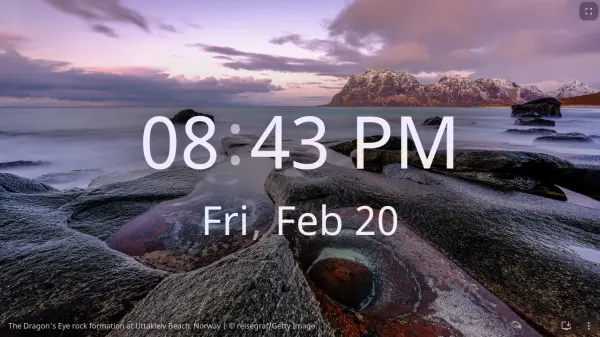
The tool supports fullscreen mode for distraction-free viewing on secondary monitors or projectors, and includes a keep-screen-on feature to prevent screens from sleeping during downloads or presentations. It is fully responsive and works on mobile devices, with touch-friendly controls for customization and zoom.
Features
- Real-Time Display: Automatically syncs with device system time for accurate timekeeping.
- Customizable Templates: Choose from multiple clock styles like digital, blue, red, amber, orange, pure dark, dark, light, and classic.
- Fullscreen Mode: Expand the clock to fill your entire screen for distraction-free use.
- Keep Screen On: Prevents screens from sleeping during downloads, presentations, or long tasks.
- Mobile Responsive: Works on smartphones and tablets with touch-friendly controls.
Use Cases
- Keeping track of time while working from home on a desktop
- Displaying accurate time during presentations or live streaming
- Using as a large online clock in an office or workspace
- Showing time on secondary monitors or projectors in fullscreen
- Preventing computer sleep during downloads or software installations
FAQs
-
Is the clock accurate?
Yes, our digital clock with seconds syncs with your device's system time, ensuring accuracy to the second. -
Can I use this in fullscreen mode?
Absolutely! Click the fullscreen button in the top navigation to expand the clock to your entire screen. -
Does it work on mobile devices?
Yes, Digital Clock Online is fully responsive and works perfectly on smartphones and tablets. On mobile devices, you can customize the clock style through the settings icon, use the sun icon to keep your screen on, and pinch to zoom for optimal positioning. -
How do I keep my screen from going to sleep?
Click the sun icon in the top navigation to enable Keep Screen On feature. This prevents both mobile and computer screens from automatically turning off, ensuring your clock stays visible and your device remains active for downloads or other tasks.