
What is Diggle?
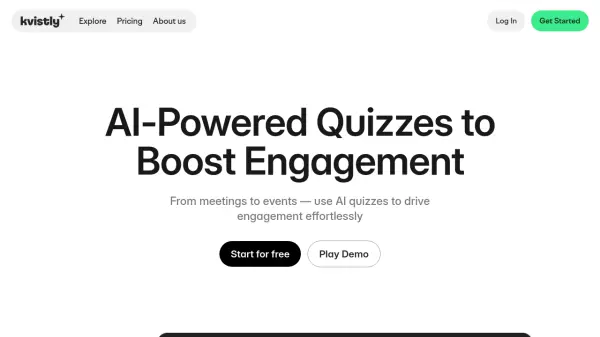
Diggle provides a comprehensive platform for creating interactive learning experiences through presentations, group discussions, and workshops. The tool enables real-time engagement with participants both in live settings and remotely, facilitating knowledge sharing and collaboration across various professional contexts.
With features including drag-and-drop content creation, session management tools, and advanced reporting capabilities, Diggle helps organizations transform traditional learning and meeting formats into dynamic, participatory experiences. The platform supports everything from classroom training and large-scale events to individual quizzes and remote surveys.
Features
- Interactive Content Creation: Design tailored sessions with quizzes, surveys, live polls, and various question types using drag-and-drop builder
- Session Management: Run live interactive sessions with real-time feedback or remote learning modes with flexible pacing options
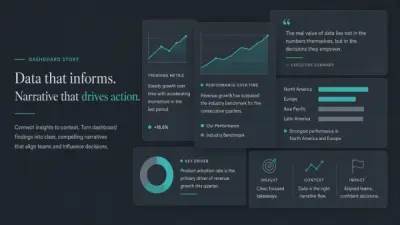
- Analytics and Reporting: Analyze participant responses, combine session data, and share insights through interactive reports or downloadable formats
- Quizzes and Grading: Create quizzes and tests with flexible grading options, passing grades, and leaderboards to track learning progress
- Company Workspace: Collaborate on content creation, run multiple sessions simultaneously, and manage access based on roles for enterprise teams
Use Cases
- Classroom training and workshops with interactive sessions and immediate feedback
- Meetings and check-ins using polls, word clouds, and live feedback for team alignment
- Large-scale events and conferences with real-time audience input and dynamic experiences
- Remote learning and surveys for collecting individual feedback from distributed teams
- Individual learning and quizzes with knowledge testing and progress tracking
FAQs
-
What types of interactive content can be created with Diggle?
Diggle enables creation of quizzes, surveys, live polls, workshops, training materials, and various question types using a drag-and-drop builder. -
How does Diggle support remote learning and participation?
Diggle offers remote learning and survey modes where participants can work at their own pace, with tools for collecting individual feedback and tracking responses from distributed teams. -
What analytics and reporting capabilities does Diggle provide?
Diggle provides advanced reporting tools to analyze participant responses, combine session data, and share insights through interactive live reports or downloadable formats like Excel and PDF. -
What collaboration features are available for enterprise teams?
Enterprise teams can use the Company Workspace feature to collaborate on content creation, run multiple sessions simultaneously, and manage access based on different user roles. -
What are the participant limits for different pricing plans?
The Free plan supports up to 20 participants, Basic supports up to 200 participants, and Pro supports unlimited participants with some limitations for large live events.