What is Diffcheck?
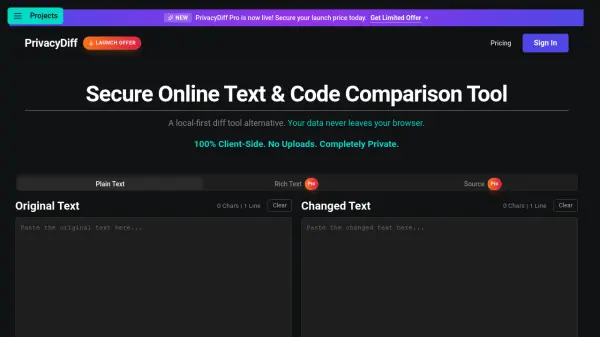
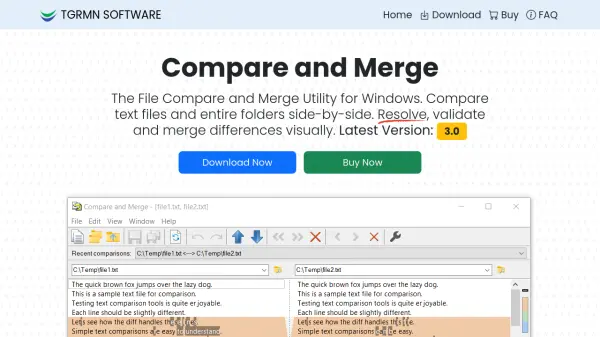
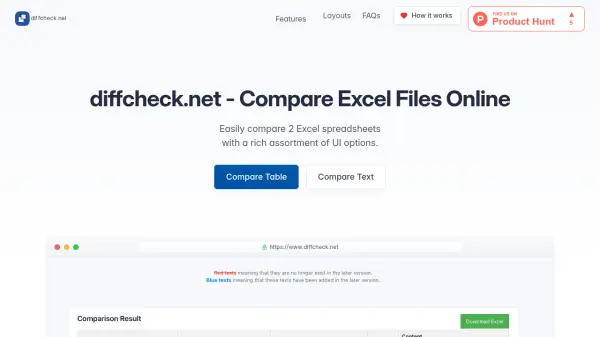
Diffcheck.net is a free online tool that allows users to compare two Excel spreadsheets, text files, or code snippets effortlessly. It offers a variety of layout options, including side-by-side comparison, line numbering, dark mode, and merged modification highlighting, ensuring an in-depth analysis experience. The tool is fully responsive and mobile-friendly, making it accessible on any device.
Privacy and data security are prioritized; no traces of comparisons are retained beyond the current session. The service is completely free to use, with optional ad support to sustain its availability.
Features
- Excel Tables Compare: Compare two Excel spreadsheets cell by cell.
- Side-by-Side Comparison: View differences between files side by side.
- Dark Mode: Enhance reading experience with a dark theme.
- Line Numbering: Spot differences line by line.
- Merged Modifications: Effortlessly view merged changes.
- Mobile Friendly: Fully responsive design for all devices.
Use Cases
- Comparing two versions of an Excel spreadsheet for data changes.
- Reviewing code differences between two files.
- Analyzing text changes in documents or articles.
- Identifying discrepancies in data exports or reports.
FAQs
-
Is it free?
Yes, you can utilize diffcheck.net to compare texts, Excel files, or code snippets without any cost. You may choose to allow ads to help sustain the service. -
Is there a limit to the length of text or number of comparisons?
There are no character restrictions or limits on the number of comparisons. The tool handles all types of text and Excel tables seamlessly. -
Will my data be stored and used elsewhere?
No traces of your comparisons are retained beyond your current session. Privacy and data security are prioritized. Refer to the privacy policy for more details.