What is Desktop Docs?
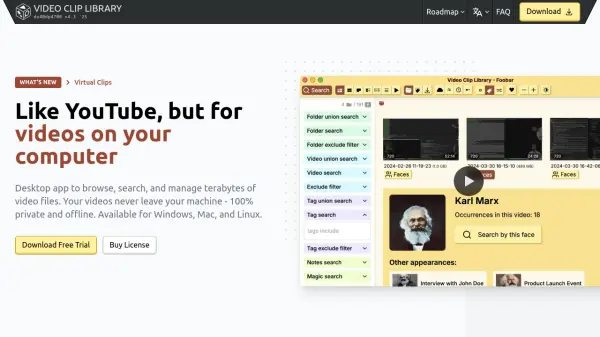
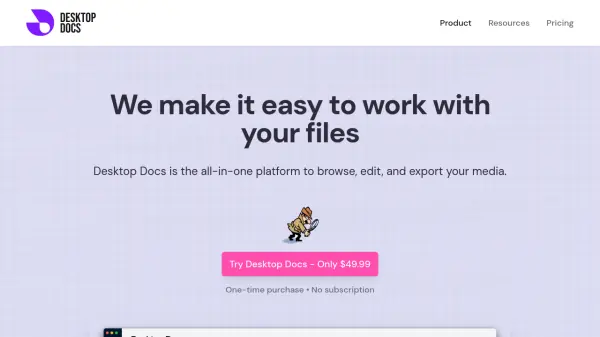
Desktop Docs offers a streamlined solution for managing and manipulating media files. It leverages local AI to enhance the browsing experience, allowing users to quickly locate specific images and videos within extensive libraries.
The platform includes helpful media editing tools including smart image resizing, video clip extraction, and format conversion. It is designed for efficiency and integrates with professional tools like Adobe Premiere.
Features
- Image Similarity Search: Find matching content across your entire library by uploading a reference image.
- 10x Faster File Search: Describe the image or video and local AI will find it.
- Adobe Premiere Integration: Seamlessly export images and video clips with time markers to Adobe Premiere.
- Smart Image Resizing: Resize images while preserving quality and batch process multiple images.
- Video Clip Extraction: Clip videos with frame-perfect accuracy and export segments instantly.
- Format Conversion & Aspect Ratios: Convert between formats and adjust aspect ratios with one click.
Use Cases
- Finding specific scenes in video projects.
- Locating specific shots in a large photo collection.
- Managing and finding memes and screenshots for social media.
- Creating highlight reels and social media content.
- Preparing video clips for Adobe Premiere projects.
FAQs
-
How does the advanced image search work?
Desktop Docs uses AI-powered visual recognition to analyze images and videos based on content, colors, objects, and composition. You can search using a reference image or describe what you're looking for. -
Is the image recognition done locally?
Yes, all image analysis is performed locally on your Mac using our built-in machine learning models. Your images never leave your computer. -
Does Desktop Docs collect your data?
No. The application does not collect any of your personal data. Anything that's indexed with our machine learning models stays on your computer and is never uploaded online. -
Does Desktop Docs work on Windows?
Not yet, but if you're interested in Windows send us an email and let us know. If enough people ask, we'll build it. -
What's included when you purchase?
After making a one-time purchase of $49.99, we'll email you a download link for the Desktop Docs desktop application for Mac. That will let you install the app and start browsing your files! You'll get access to all features including AI-powered search, image resizing, video clipping, and Adobe Premiere integration - everything you need in one powerful package.