What is Decision?
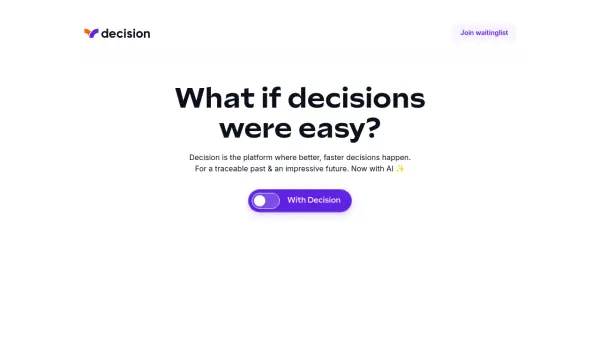
Decision is a platform designed to facilitate improved and faster decision-making processes. It empowers individuals and teams to make informed choices by leveraging AI assistance, established decision-making frameworks, and streamlined communication channels.
The platform integrates an AI assistant designed to enhance brainstorming, improve writing quality, provide quick access to key decision-related information, and predict optimal choices based on past successful decisions. It provides a secure and organized archive of all decisions, preserving institutional knowledge and fostering continuous improvement.
Features
- AI-Powered Assistant: Improves writing, organizes thoughts, and acts as an intellectual thought partner.
- Spark Creativity: Generates option suggestions during brainstorming.
- Write Better: Corrects spelling and grammar, translates, and simplifies technical terms.
- Understand Faster: Provides instant access to key facts related to past decisions.
- Prime Prediction: Predicts optimal decisions based on previous successes.
- Proven Frameworks: Offers various perspectives like Pros and Cons, Best/Worst Case, Evaluation Matrix, and Risk-Impact.
- Organized Communication: Features focused conversations and searchable archives.
- Traceable History: Archives all decisions for future reference and learning.
Use Cases
- Team decision-making
- Strategic planning
- Risk assessment
- Project management
- Knowledge management
- Asynchronous collaboration
- Employee onboarding (understanding past decisions)