What is DashboardKit?
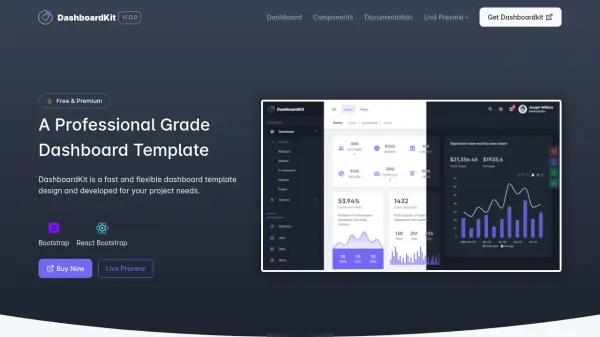
DashboardKit is a professional-grade dashboard template developed to meet the needs of various backend projects. It provides a fast and flexible solution for creating stunning backend applications with ease. The template includes over 200 pages, covering almost all possible pages required for any backend application, ensuring comprehensive functionality.
Designed with a focus on user experience, DashboardKit offers professional layouts and high-performance code. It features responsive design optimized for mobile-first approaches, seamless customization options, and regular updates to stay current with the latest technologies. The template is suitable for developers of all skill levels, from beginners to experts, and is backed by reliable support and detailed documentation.
Features
- 200+ Pages: Cover almost all possible pages required for any backend application
- Professional Design: Provides better UI experience throughout the project
- High Performance: High optimized tested code for faster loading
- Regular Updates: Always updated with latest technologies
- Easy Documentation: Includes installation and configuration settings
- Responsive Design: Optimized for mobile-first design across all screen sizes
- Flexible Customization: Easy to customize with performance-centric code
- Support: Low turnaround time for technical queries
Use Cases
- Developing admin panels for web applications
- Creating membership management systems
- Building helpdesk or customer support dashboards
- Designing school or educational administration systems
- Developing cryptocurrency dashboards
- Creating invoice management systems
- Building online course platforms
- Developing project management dashboards