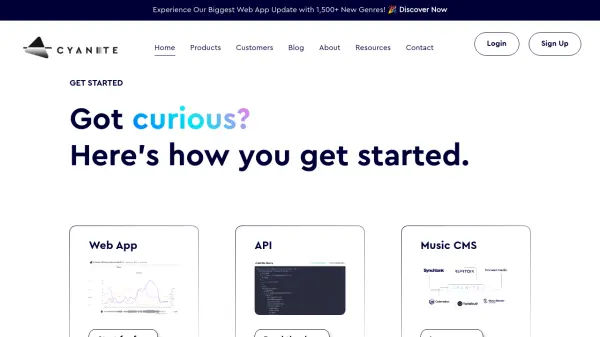
What is Cyanite.ai API?
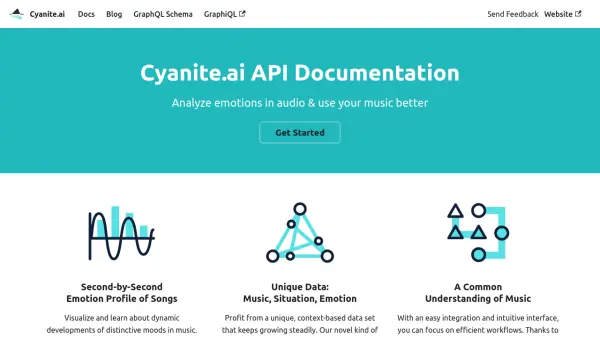
Offers in-depth analysis of audio files, providing a second-by-second emotion profile to visualize and understand the dynamic developments of distinctive moods within music. This detailed information clarifies the emotional layers in a song, enabling users to quantify the impact and effect of their music.
Leverages a unique, continuously growing, context-based dataset derived from real-world consumer music experiences, linking songs with specific situations and feelings. Designed for easy integration and featuring an intuitive interface, it promotes efficient workflows. Clear and consistent tagging categories establish a shared understanding within an organization regarding how music is perceived.
Features
- Second-by-Second Emotion Profile: Visualize dynamic mood developments in music with detailed information for any second of an audio file.
- Unique Context-Based Data: Utilize a growing dataset linking song, situation, and emotion based on consumer experiences.
- Easy Integration & Intuitive Interface: Facilitates efficient workflows with simple integration and user-friendly design.
- Consistent Tagging Categories: Establishes a common understanding of music perception within an organization.
Use Cases
- Understanding the emotional impact of music tracks.
- Analyzing dynamic mood shifts within songs.
- Improving music selection based on emotional context.
- Creating consistent music tagging systems for organizations.
- Leveraging consumer music experience data for projects.