Cvly.me
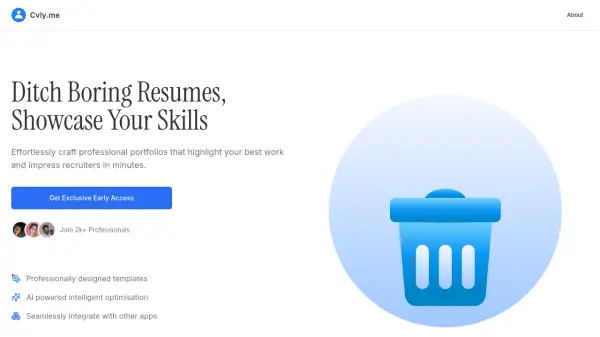
Ditch Boring Resumes, Showcase Your Skills

What is Cvly.me?

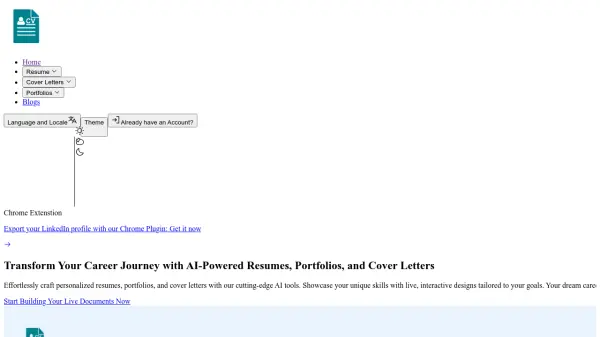
Cvly.me enables users to effortlessly create professional portfolios that highlight their best work and impress recruiters. The platform uses AI-powered intelligent optimization to enhance portfolio content and presentation, ensuring users stand out in competitive job markets.

With professionally designed templates and seamless integration with other applications, Cvly.me simplifies the portfolio-building process. It allows professionals to showcase their skills effectively, saving time while delivering polished results that capture attention.

Features

  • Professionally Designed Templates: Pre-built templates for creating visually appealing portfolios
  • AI Powered Intelligent Optimisation: Uses AI to enhance and optimize portfolio content for better impact
  • Seamless Integration: Connects with other applications to streamline workflow and data import

Use Cases

  • Creating professional portfolios for job applications
  • Showcasing skills and projects to recruiters
  • Building online presence for freelancers and professionals
  • Enhancing career profiles with optimized content

Related Tools:

Blogs:

  • Best AI tools for Room Design

    Best AI tools for Room Design

    Discover cutting-edge AI tools that redefine the art of room design. From layout optimization to aesthetic finesse, these top-tier tools enhance your space to new heights.

  • Top 6 AI note-taking tools for 2026: in-person, online, and hybrid use cases

    Top 6 AI note-taking tools for 2026: in-person, online, and hybrid use cases

    Most AI note-taking lists are really lists of meeting bots, which join your video call and transcribe it. That's useful, but it's half the picture. Decisions happen in hallway conversations, client dinners, on-site visits, and hybrid rooms where nobody is on a video link. This guide covers different parts of the note-taking workflow: hardware capture for in-person settings, platform-native tools for online calls, and AI layers for organizing and synthesizing what you've captured. It compares six tools by capture context, workflow fit, pricing, and limitations.

Didn't find tool you were looking for?

Be as detailed as possible for better results