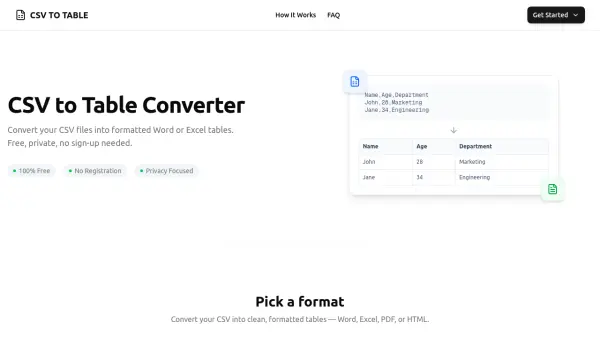
What is CSV to Table?
CSV to Table provides a streamlined solution for transforming raw CSV data into professionally formatted tables suitable for documents, reports, and presentations. The tool operates entirely in the user's browser, ensuring complete data privacy by processing files locally without uploading to servers. It supports multiple output formats including Word, Excel, PDF, and HTML, with extensive customization options for table styling such as borders, colors, fonts, and cell padding.
This converter automates the tedious process of manual table formatting, reducing a task that typically takes 10-15 minutes to just a few clicks. It handles CSV files up to 10MB with support for various delimiters like commas, semicolons, tabs, and pipes. The tool includes features like a Template Manager to save formatting preferences locally and real-time previews, making it ideal for business, academic, and professional use where data presentation is crucial.
Features
- CSV to Word: Transform CSV data into beautifully formatted Word tables with customizable styles
- CSV to Excel: Convert and format CSV data for Excel spreadsheets with formulas support
- CSV to PDF: Create print-ready PDF tables from CSV data with custom page layouts
- CSV to HTML: Generate styled HTML table code from CSV data with live preview
- HTML to CSV: Extract data from HTML tables into CSV format with automatic parsing
- Client-Side Processing: All data conversion happens locally in the browser for complete privacy
- Format Customization: Adjust borders, colors, fonts, cell padding, and alignment options
- Template Manager: Save formatting preferences locally in the browser for future use
Use Cases
- Creating professional tables for business reports from CSV data
- Formatting data tables for academic papers and research documents
- Generating styled HTML tables for web development projects
- Converting CSV files to Excel spreadsheets with advanced formatting
- Producing print-ready PDF tables from raw data for presentations
- Extracting data from HTML tables into structured CSV format
- Automating table creation to save time in document preparation
- Ensuring data privacy when handling sensitive information in tables
FAQs
-
What is the maximum file size supported by the CSV to Table converter?
The tool can handle CSV files up to 10MB in size, with optimal performance for files containing up to 10,000 rows and 50 columns. -
Does the CSV to Table tool support delimiters other than commas?
Yes, the CSV parser automatically detects and supports various delimiters including commas, semicolons, tabs, and pipes, making it compatible with different CSV formats. -
Can I save my formatting preferences for future conversions?
Yes, the Template Manager allows you to save formatting preferences locally in your browser, and you can load them for future conversions without data being sent to servers. -
Do I need to install any software to use the CSV to Table converter?
No installation is required; the tool runs entirely in modern web browsers like Chrome, Firefox, Safari, or Edge, accessible from any device with an internet connection. -
How does the CSV to Table converter ensure data security?
All data is processed client-side in the browser, meaning CSV files never leave your computer or get uploaded to servers, ensuring maximum privacy and security.