What is PDFTables?
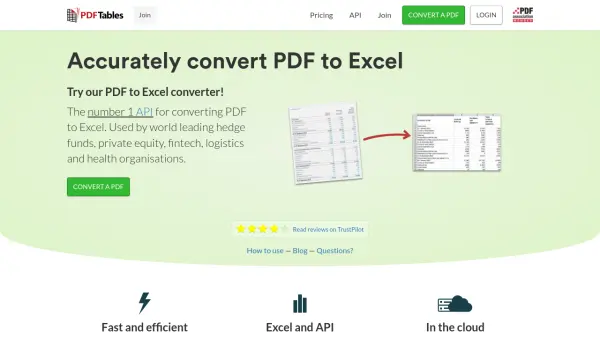
PDFTables provides a solution for converting PDF documents into various structured file types, including Microsoft Excel (XLSX), Comma Separated Values (CSV), eXtensible Markup Language (XML), and Hypertext Markup Language (HTML). The service utilizes an algorithm that analyzes the structure within PDF files, interpreting spacing and layout to accurately identify table rows and columns for extraction. This process helps users avoid manual data entry or transcription from PDFs, saving significant time.
Operating as a cloud-based service powered by Amazon Web Services, PDFTables ensures security and reliability, employing end-to-end encryption for all transactions. It offers both an online interface for manual conversions and a web API for developers seeking to automate large-volume PDF conversions or integrate the functionality into their own applications. Advanced technical support is available during UK business hours.
Operating as a cloud-based service powered by Amazon Web Services, PDFTables ensures security and reliability, employing end-to-end encryption for all transactions. It offers both an online interface for manual conversions and a web API for developers seeking to automate large-volume PDF conversions or integrate the functionality into their own applications. Advanced technical support is available during UK business hours.
Features
- PDF to Excel Conversion: Accurately converts PDF files into Microsoft Excel (XLSX) format.
- Multiple Output Formats: Supports conversion to CSV, XML, and HTML in addition to Excel.
- Table Recognition Algorithm: Employs an algorithm to identify table structures within PDFs.
- API Access: Provides a web API for automated conversions and integration into applications.
- Cloud-Based Service: Hosted on AWS for security and reliability.
- Secure Transactions: Uses end-to-end encryption for data protection.
Use Cases
- Extracting financial data tables from PDF reports for analysis.
- Converting healthcare records or research data from PDFs into spreadsheets.
- Automating data extraction from logistics documents in PDF format.
- Migrating data from legacy PDF documents into databases or other systems.
- Streamlining data entry processes by converting PDF tables automatically.
FAQs
-
Which payment methods do you support?
We currently support Visa, MasterCard, and American Express, using Stripe as the payment provider. -
How long do page credits last?
Any page credits purchased are valid for one year from the date of purchase. Unused credits expire after one year. -
Do you store credit card details?
No, payments are processed via Stripe. PDFTables does not store your credit card details. -
How are pages counted for billing?
Pricing is based on the number of pages in the PDF document converted, similar to photocopying. -
Is technical support available?
Yes, advanced technical support is available by email or phone during UK working hours (9am - 5pm GMT, Monday - Friday).