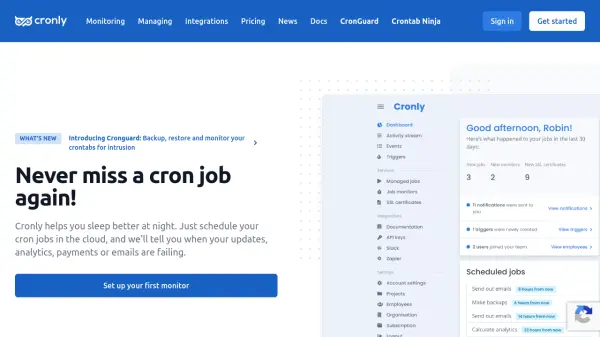
What is Cronly?
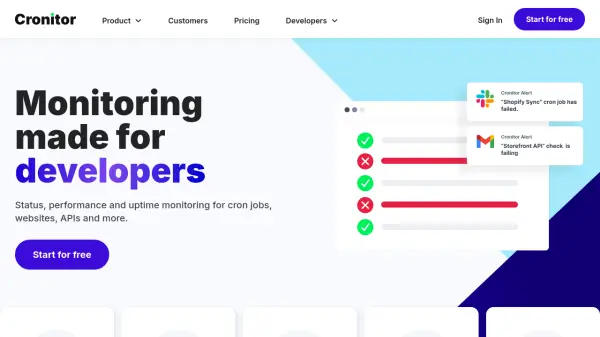
Cronly is a cloud-based monitoring solution designed to help developers ensure their cron jobs run smoothly without manual oversight. By scheduling cron jobs through the platform, users receive alerts when updates, analytics, payments, or emails fail, allowing for quick intervention. The tool offers a simple dashboard for an overview of job statuses, eliminating the need for constant manual monitoring.
With features like project management, team member permissions, and integrations with services like Slack and Zapier, Cronly provides a comprehensive environment for managing critical tasks. It includes built-in scheduling, an advanced API for custom integrations, and free SSL certificate monitoring to prevent issues like expired certificates. The platform is trusted by developers worldwide for its ease of setup and reliability in handling both basic and advanced cron jobs.
Features
- Cloud-Based Monitoring: Schedule cron jobs in the cloud and receive alerts for failures
- Project Management: Group monitors and tasks into projects with custom notification groups
- Team Permissions: Set different access levels for team members to manage jobs
- Integration Support: Connect with hundreds of services via Zapier or use built-in Slack and email integrations
- Built-In Scheduling: Schedule jobs directly from the platform for extra reliability
- Advanced API: Integrate platform functionalities with custom applications using an extensive API
- Free SSL Monitoring: Monitor unlimited SSL certificates for free to prevent expiration issues
- Simple Dashboard: View job statuses and overviews in an easy-to-use interface
Use Cases
- Monitoring cron jobs for updates, analytics, payments, or emails to prevent failures
- Managing team access and permissions for cron job projects in development environments
- Integrating cron job alerts with communication tools like Slack for real-time notifications
- Scheduling and overseeing SSL certificate expirations to maintain website security
- Using an API to customize and extend cron job monitoring for specific application needs
FAQs
-
How quickly can I set up a cron job monitor with Cronly?
Most cron job monitors take less than 1 minute to set up, allowing for fast deployment and monitoring. -
Does Cronly support monitoring for SSL certificates?
Yes, Cronly offers free SSL certificate monitoring for unlimited certificates to help prevent expiration issues. -
Can I integrate Cronly with other services?
Yes, Cronly supports integrations with hundreds of services via Zapier and includes built-in integrations for Slack and email. -
Is there an API available for custom integrations?
Yes, Cronly provides an advanced API that allows users to integrate its functionalities with their own applications. -
How does Cronly handle team management for cron jobs?
Cronly allows users to manage team members by setting permissions, ensuring appropriate access levels for different roles.