What is Cronit?
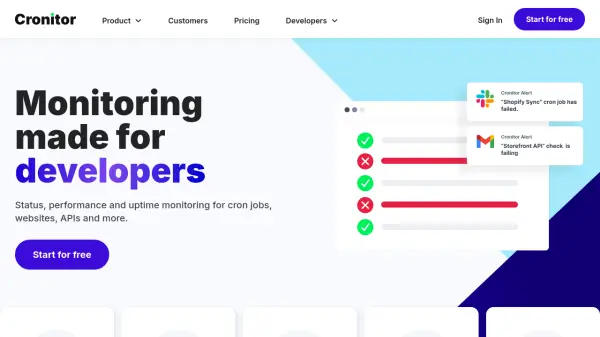
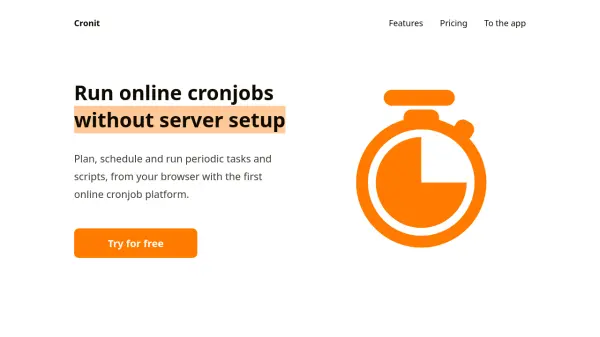
Cronit is a cloud-based platform designed for scheduling and executing periodic tasks through a web interface. It enables users to configure jobs using standard CRON syntax, supporting HTTP endpoint calls and JavaScript code execution. The platform provides execution logs, run prediction features, and operates entirely in the cloud, eliminating the need for local server infrastructure.
With a user-friendly interface accessible from any browser, Cronit caters to both technical and non-technical users. It offers various pricing plans, including a free tier, with features such as professional support and scalable job limits to accommodate different usage needs.
Features
- Call any HTTP endpoint: Compatible with any API or Webhook that supports HTTP
- Runs JavaScript code: Supports running arbitrary commands in JS code
- Schedule at any time: Configure scheduled jobs easily using standard CRON syntax
- Observe run logs: Keep a trace of all jobs done and access execution logs at any time
- Predict execution: Anticipate when jobs will run with an execution prediction system
- Run in the cloud: Configure and run jobs from your browser with no setup required
- Easy interface: Simple and easy-to-use interface, no programming expertise needed
- Professional support: Assistance available 24/7 from the support team
Use Cases
- Automating periodic API calls for data synchronization
- Scheduling regular data backups or cleanup tasks
- Running scheduled scripts for website maintenance
- Automating webhook triggers for event-driven workflows
- Monitoring services with periodic health checks
- Executing batch processing jobs at specified intervals