What is CoolifyMe?
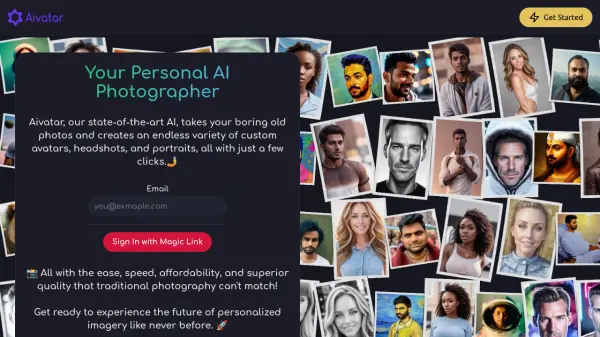
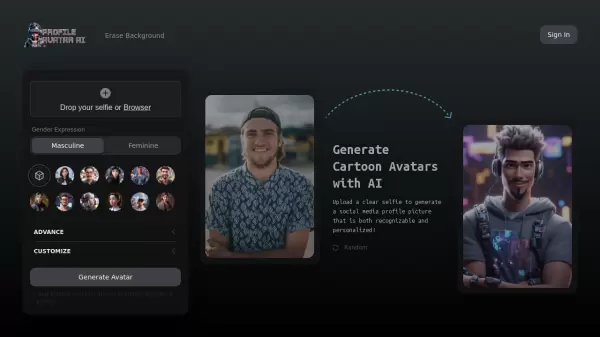
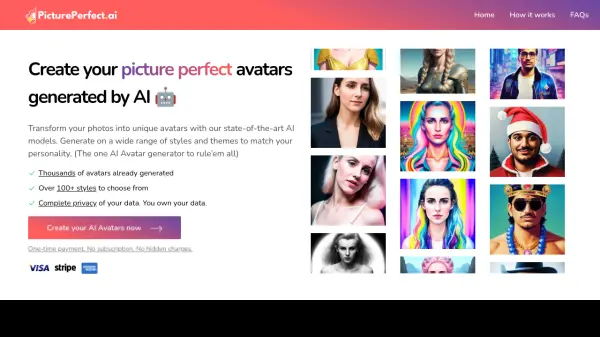
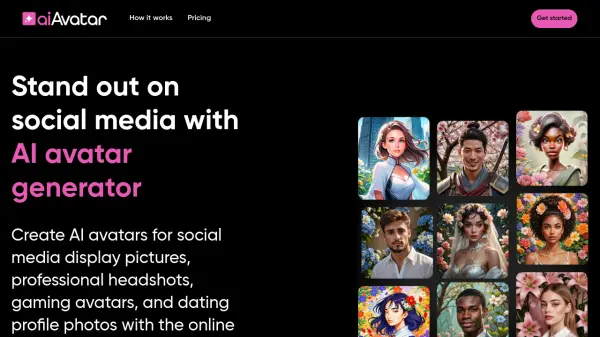
CoolifyMe leverages advanced AI technology to create personalized, unique avatars from user-submitted photographs. The platform employs a straightforward three-step process: users upload 18 diverse photos showing different clothing, backgrounds, and perspectives; the AI system processes these images for up to 3 hours; and finally delivers 100+ distinctive profile pictures.
The service utilizes state-of-the-art encryption to ensure user privacy and data security. All uploaded images are stored securely for 30 days before being permanently deleted, maintaining strict confidentiality standards while delivering high-quality, personalized results.
Features
- Bulk Avatar Generation: Creates 100+ unique profile pictures
- Quick Processing: Delivers results within 3 hours
- Secure Storage: 30-day encrypted storage with automatic deletion
- Multiple Input Processing: Analyzes 18 different photos for better results
- Email Notification: Alerts users when processing is complete
Use Cases
- Professional social media profile pictures
- Dating app profile photos
- Personal branding imagery
- Business networking platforms
- Online forum avatars
- Digital identity customization
FAQs
-
How long does it take to receive the generated avatars?
The AI training process takes up to 3 hours, after which you'll receive notification via email that your 100+ avatars are ready. -
How many photos do I need to upload?
You need to upload 18 photos showing different clothing, backgrounds, and perspectives for optimal results. -
What is the cost of the service?
The service costs $1.99 to generate 100+ avatars. -
What type of photos should I upload?
You should upload photos that show you in different clothing, backgrounds, and perspectives for the best results.