Content Maker favicon

Content Maker
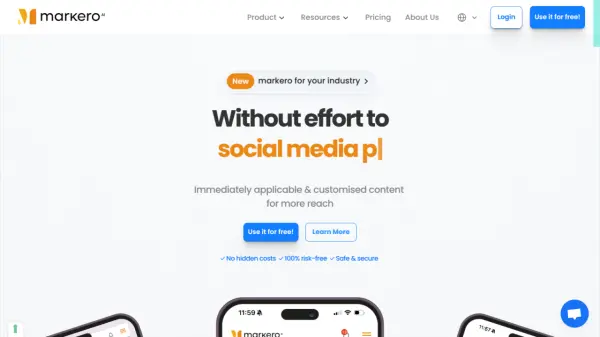
Revolutionary marketing software for Facebook & other social media using official APIs.

What is Content Maker?

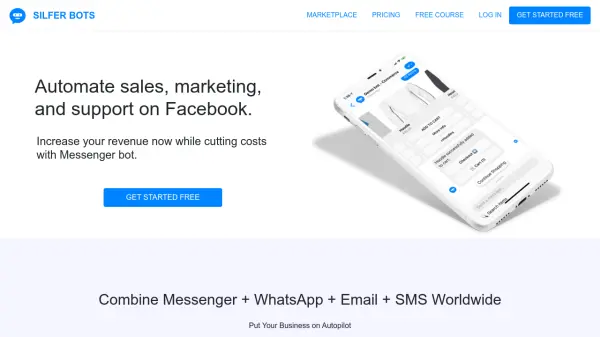
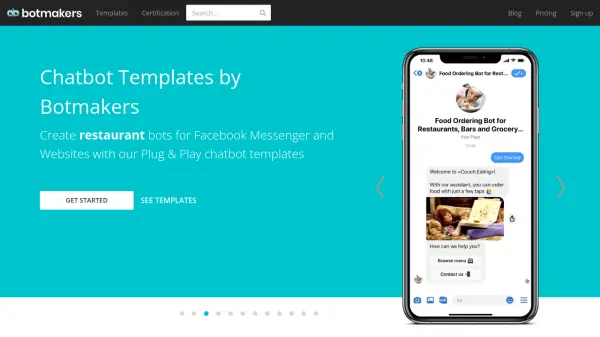
Content Maker presents itself as a pioneering marketing software solution designed for managing Facebook and Instagram activities. It leverages official APIs from these platforms to offer a suite of automation tools. The platform enables users to establish and manage messenger chatbots through a visual flow builder, facilitating automated responses around the clock.

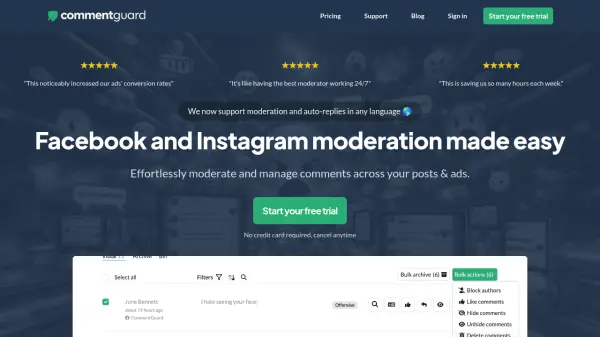
Beyond chatbots, the software provides features for active social media management. This includes live chat capabilities with Facebook and Instagram subscribers, automated comment replies based on keywords or templates, and tools to hide or delete specific comments. Additionally, Content Maker facilitates content scheduling and posting across connected social media accounts, supporting various content types like text, images, videos, and links.

Features

  • Messenger Chatbot: Setup messenger bot for replying 24/7 with visual flow builder.
  • Live Chat: Engage in real-time conversations with Facebook/Instagram subscribers.
  • Comment Reply Automation: Automatically reply to comments on Facebook page posts using templates, keywords, or generic responses.
  • Comment Moderation: Hide or delete offensive comments automatically.
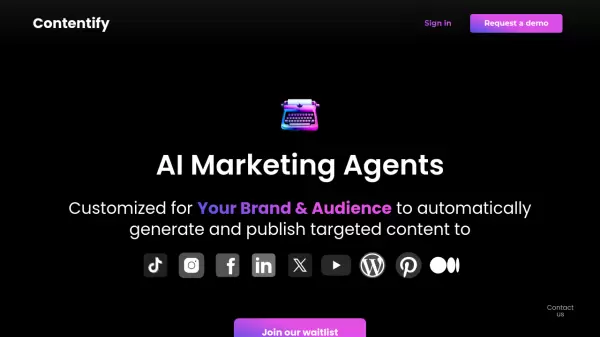
  • Social Poster: Instantly publish or schedule posts (text, image, video, link) on social media platforms.
  • Integrated Image Editor: Edit images (crop, add text, shapes, filters) before posting.

Use Cases

  • Automating customer responses on Facebook Messenger.
  • Managing and replying to comments on Facebook posts.
  • Scheduling social media content across Facebook and Instagram.
  • Providing live chat support via social media channels.
  • Moderating comments sections on Facebook pages.
  • Creating automated marketing campaigns for social media.

FAQs

  • Do I need to create a Facebook app to use Content Maker?
    No, you don't need to create any Facebook app. The platform handles the complexities, requiring only account import to start using the features.
  • Is there any risk involved with my Instagram account?
    Not at all. Content Maker uses the official Instagram API, ensuring compliance and safety.
  • Can I edit images before posting?
    Yes, a full-featured image editor is integrated, allowing you to crop, add text, shapes, filters, etc., before posting.
  • What should I do if I face issues?
    The team monitors for global issues. For specific problems, you can open support tickets, and the support team will provide assistance.

Related Queries

Helpful for people in the following professions

Related Tools:

Blogs:

  • Boost Engagement in Ads with AI

    Boost Engagement in Ads with AI

    Discover how AI music and AI SDR agents are reshaping modern advertising. Learn how emotional resonance through AI-generated soundtracks combined with smart, automated sales outreach can turn viewers into loyal customers faster, cheaper, and more personally than ever before.

  • Best AI Tools For Startups

    Best AI Tools For Startups

    we've compiled a straightforward list of user-friendly AI tools designed to give startups a boost. Discover practical solutions to streamline everyday tasks, enhance productivity, and gain valuable insights without the need for a tech expert. Learn where and how these tools can be applied in your startup journey, from automating repetitive tasks to unlocking powerful data analysis. Join us as we explore the features that make these AI tools accessible and beneficial for startups in various industries. Elevate your business with technology that works for you!

  • Top 6 AI note-taking tools for 2026: in-person, online, and hybrid use cases

    Top 6 AI note-taking tools for 2026: in-person, online, and hybrid use cases

    Most AI note-taking lists are really lists of meeting bots, which join your video call and transcribe it. That's useful, but it's half the picture. Decisions happen in hallway conversations, client dinners, on-site visits, and hybrid rooms where nobody is on a video link. This guide covers different parts of the note-taking workflow: hardware capture for in-person settings, platform-native tools for online calls, and AI layers for organizing and synthesizing what you've captured. It compares six tools by capture context, workflow fit, pricing, and limitations.

  • AI Testimonial Videos: How to Build Social Proof That Actually Converts

    AI Testimonial Videos: How to Build Social Proof That Actually Converts

    AI testimonial videos are transforming marketing in 2026 by helping businesses create professional customer-style videos quickly and affordably. Using real customer reviews, short scripts, and AI tools like Pollo AI, brands can produce engaging testimonials for social media, landing pages, and ads while saving time and improving conversions.

Didn't find tool you were looking for?

Be as detailed as possible for better results