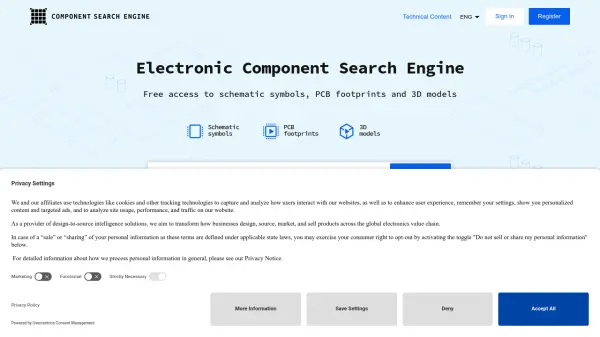
What is Component Search Engine?
Component Search Engine is a specialized platform offering free access to schematic symbols, PCB footprints, and 3D models for a wide array of electronic components. Designed to streamline the electronic design process, it allows users to search for parts by manufacturer part number or keyword, download technical models, and integrate them directly into compatible ECAD tools.
The platform supports staying updated via Model Update Alerts for downloaded components, ensuring users always have the latest data for their projects. Component Search Engine simplifies electronic design workflows and is ideal for engineers, designers, and professionals who require precise and up-to-date component models for their work.
Features
- Comprehensive Search: Locate electronic components by part number or keyword
- Free Downloads: Access schematic symbols, PCB footprints, and 3D models at no cost
- ECAD Tool Integration: Add models directly into supported ECAD tools
- Model Update Alerts: Stay informed with alerts for updated component models
- Multi-Language Support: Available interface in English, German, and Simplified Chinese
Use Cases
- Locating and downloading schematic symbols for electronics design
- Accessing PCB footprints required for board layouts
- Obtaining 3D models of electronic parts for design visualization
- Keeping component databases up-to-date with automatic model update alerts
- Integrating electronic component models directly into ECAD software