What is CompareData?
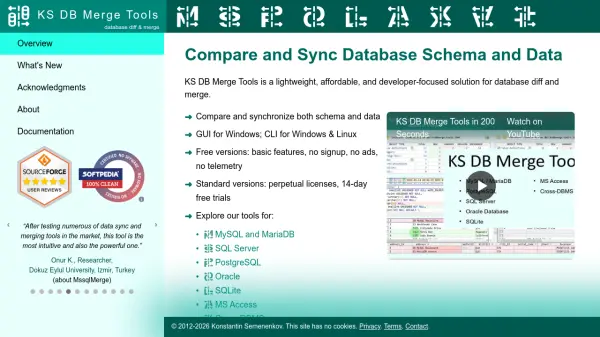
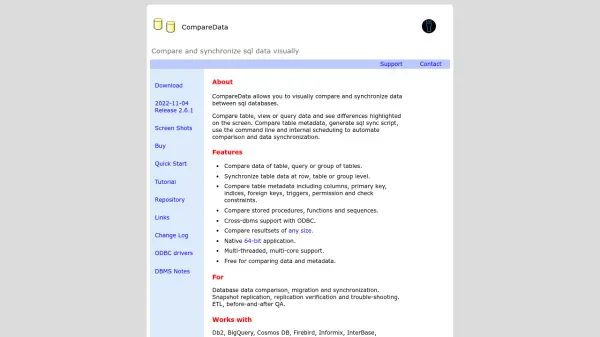
CompareData is a specialized tool designed for database professionals to visually compare and synchronize data across SQL databases. It enables users to compare table, view, or query data with differences highlighted on-screen, facilitating efficient data management and synchronization.
The tool supports cross-DBMS compatibility through ODBC, allowing it to work with a wide range of databases including Db2, Oracle, PostgreSQL, and Microsoft SQL Server, among others. It offers features for comparing metadata, generating SQL sync scripts, and automating processes via command-line and scheduling, making it suitable for tasks like data migration, replication verification, and ETL QA.
Features
- Data Comparison: Compare table, view, or query data with differences highlighted visually
- Synchronization: Synchronize table data at row, table, or group level with SQL script generation
- Metadata Comparison: Compare table metadata including columns, primary keys, indices, and constraints
- Cross-DBMS Support: Works with multiple database management systems via ODBC connectivity
- Automation: Use command-line and internal scheduling for automated comparison and synchronization
Use Cases
- Database data comparison, migration, and synchronization
- Snapshot replication and replication verification
- ETL (Extract, Transform, Load) and before-and-after QA (Quality Assurance)
- Troubleshooting database discrepancies
- Data synchronization across different DBMS platforms
FAQs
-
What databases does CompareData support?
CompareData supports Db2, BigQuery, Cosmos DB, Firebird, Informix, InterBase, MariaDB, Microsoft SQL Server, MySQL, Oracle, PostgreSQL, Amazon Redshift, SAP Adaptive Server, SAP HANA, SAP SQL Anywhere, Snowflake, SQLite, Teradata, TiDB, YugabyteDB, and more via ODBC connectivity. -
Is CompareData free to use?
CompareData is free for comparing data and metadata, with additional features available in paid versions. -
What operating systems does CompareData require?
CompareData requires Windows 10, 11, or Windows Server, along with ODBC drivers. -
Can CompareData automate data synchronization?
Yes, CompareData includes command-line and internal scheduling features to automate comparison and data synchronization processes.