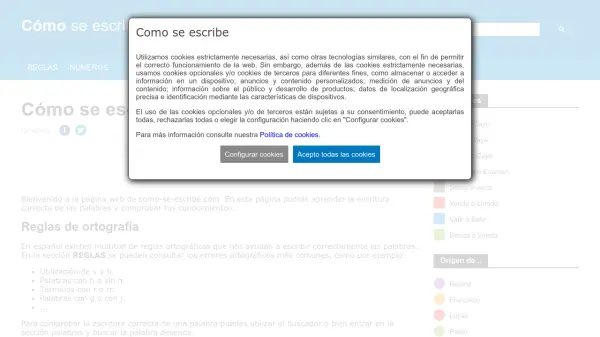
What is Cómo se escribe?
Cómo se escribe provides comprehensive Spanish spelling assistance through an AI-driven platform. The tool offers detailed explanations of common orthographic rules, covering frequent errors such as the use of v and b, words with or without h, terms with r or rr, and distinctions between g and j. Users can verify correct word spelling using the search function or browse the dedicated words section.
The platform includes specialized features for writing numbers in letters across multiple languages and systems, along with a section on proper name origins that explains correct spelling, etymology, and meanings. It serves as an educational resource for improving Spanish writing accuracy and understanding linguistic nuances.
Features
- Word Verification: Check correct spelling of Spanish words using search or browsing
- Orthographic Rules: Detailed explanations of common Spanish spelling errors and rules
- Number Writing: Convert numbers to letters in Spanish and other languages
- Name Origins: Discover correct spelling, etymology, and meanings of proper names
Use Cases
- Learning correct Spanish spelling for educational purposes
- Verifying word accuracy in Spanish writing and documents
- Converting numbers to written form in Spanish
- Researching proper name spellings and origins