What is Commander GPT?
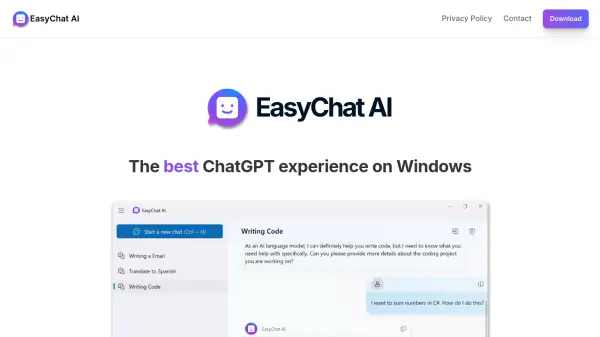
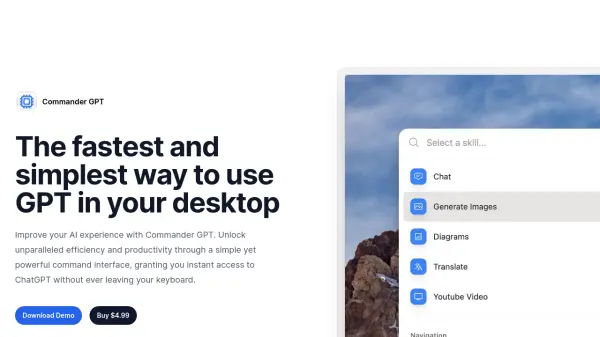
Commander GPT enhances the AI experience by offering a command-based interface for desktop access to ChatGPT. This application allows users to interact with ChatGPT seamlessly, generate images via OpenAI's DALL-E model, translate selected text, and analyze YouTube video transcripts.
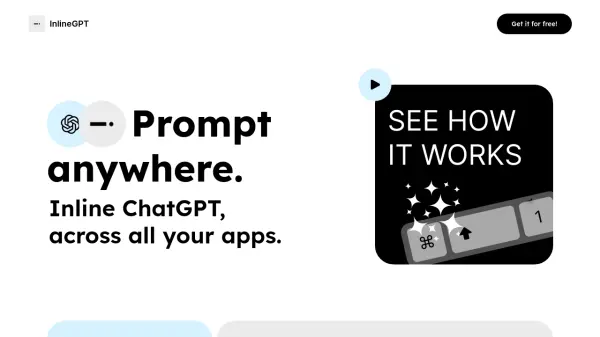
The tool is designed to overlay on top of other windows, preserving workflow continuity. Users can activate Commander GPT with a simple keyboard shortcut (Command+Shift+G), input commands, and maintain a local history of their sessions. It also offers custom prompt options to tailor the assistant's responses.
Features
- Chat: Access ChatGPT using a simple command, on top of any app you're using.
- Image Generation: Generate images at the click of a button using OpenAI's Dalle model.
- Translation: Select a language and using GPT, Commander will translate any text you select.
- YouTube Video Analysis: Provide the url of a YouTube video and Commander will answer any question you ask based on the transcript.
- Custom Prompts: Pass custom system prompts to GPT and change the way it responds to you.
- Session History: Commander GPT keeps a local history of all your sessions.
Use Cases
- Quickly access ChatGPT for information retrieval without switching applications.
- Generate images on-demand for presentations or creative projects.
- Translate text between languages in real-time.
- Extract information and insights from YouTube videos.
- Customize AI responses for specific tasks or projects.