What is ColorblindSimulator.app?
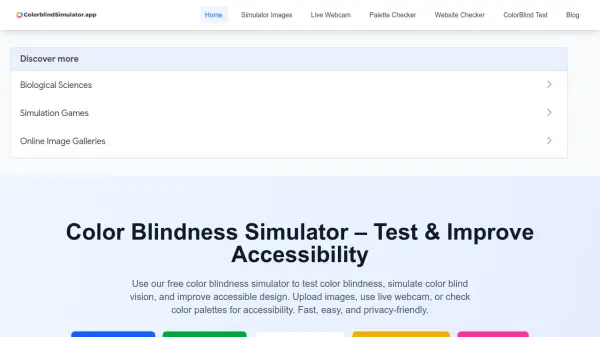
ColorblindSimulator.app is a free online tool designed to help you simulate and test color blindness for improved accessibility. It allows you to upload images or paste image URLs to see how they appear to people with different types of color vision deficiency. The tool also features a live webcam mode for real-time simulation, a palette checker that provides feedback and suggestions for color-blind safe alternatives, a website checker that takes a live screenshot of any website and simulates color vision deficiencies, and a color blindness test using Ishihara plates. All features are accessible directly in your browser with no installation required, and the tool works on all modern devices including desktops, mobile phones, and tablets.
This simulator is ideal for designers, developers, educators, and accessibility testers who want to ensure their digital products are inclusive and meet accessibility standards. By using ColorblindSimulator.app, you can preview your UI, graphics, and websites through the eyes of color blind users, helping you create experiences that work for over 300 million people affected by color blindness worldwide. The tool is completely free, with no signups, ads, or hidden costs.
Features
- Image Simulation: Upload images or paste URLs to simulate color blindness types.
- Live Webcam: Real-time color blindness simulation using your device's camera.
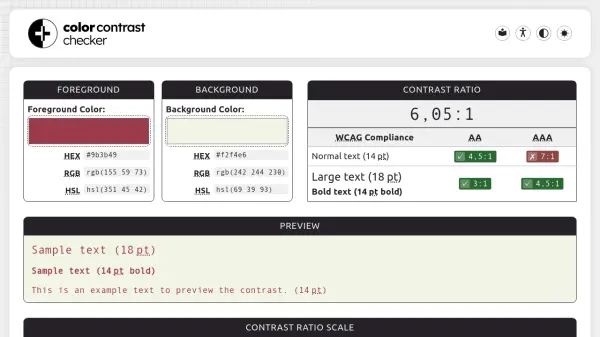
- Palette Checker: Test color palettes for accessibility and get color-blind safe suggestions.
- Website Checker: Capture a live screenshot of any website and simulate color vision deficiencies.
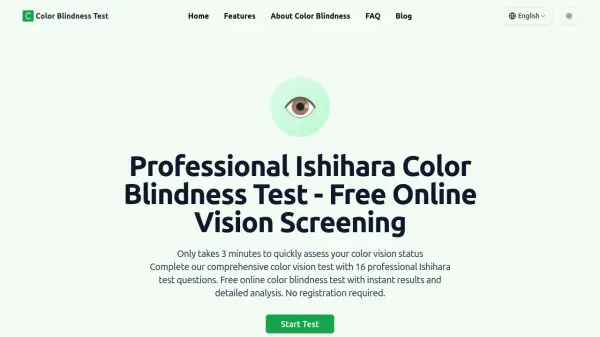
- Color Blind Test: Free online test using Ishihara plates.
- Works on All Devices: Compatible with modern browsers on desktop, mobile, and tablets.
Use Cases
- Designers previewing UI and graphics for color blind accessibility.
- Developers testing color blindness on websites and ensuring code meets accessibility guidelines.
- Educators demonstrating color blindness to students.
- Accessibility testers auditing products for color blind users.
- Anyone wanting to take a free online color vision test.
FAQs
-
What is a color blindness simulator?
A color blindness simulator is a tool that lets you test color blindness by simulating how images, designs, or websites appear to people with different types of color vision deficiency. It helps you create accessible designs for everyone. -
Can I simulate real-time color blindness?
Yes! With our live webcam mode, you can simulate color blind vision in real time using your device's camera. This feature is free and works in your browser. -
Is this tool free to use?
Yes, ColorblindSimulator.app is completely free to use. There are no signups, no ads, and no hidden costs. Start testing your designs for accessibility today!