What is Cold.app?
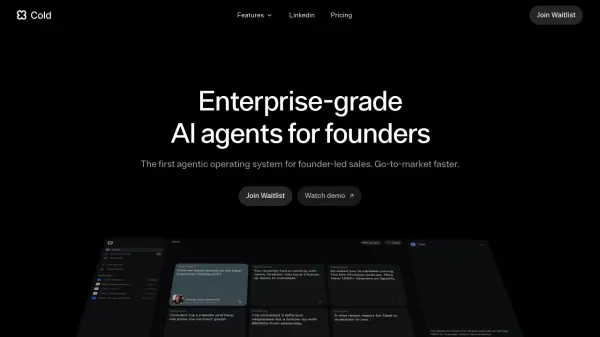
Cold.app offers an agentic operating system specifically designed for founders managing their sales processes. It utilizes enterprise-grade AI agents that operate 24/7 to assist with critical sales tasks. These agents are built to help founders accelerate their go-to-market strategy by automating and enhancing lead generation and outreach efforts.
The platform focuses on providing intelligent assistance from day one, aiming to simplify the complexities of founder-led sales. It features specialized agents for identifying potential customers, conducting personalized research, and managing communications through an integrated inbox and contact graph system, ensuring founders can focus more on closing deals.
The platform focuses on providing intelligent assistance from day one, aiming to simplify the complexities of founder-led sales. It features specialized agents for identifying potential customers, conducting personalized research, and managing communications through an integrated inbox and contact graph system, ensuring founders can focus more on closing deals.
Features
- Founder-led Sales Agent: Pinpoints leads and conducts custom research continuously.
- Unified Inbox Agent: Consolidates communications and assists with outreach/follow-ups.
- Enriched Contact Graph: Automatically enriches contact information and aids research.
- 24/7 Operation: AI agents work continuously.
- Agentic Operating System: Provides a framework for AI agents in sales workflows.
Use Cases
- Automating lead identification for founders.
- Conducting automated research on potential clients.
- Streamlining sales outreach and follow-up processes.
- Managing and enriching sales contacts automatically.
- Accelerating go-to-market strategies for startups.