Codespace favicon

Codespace
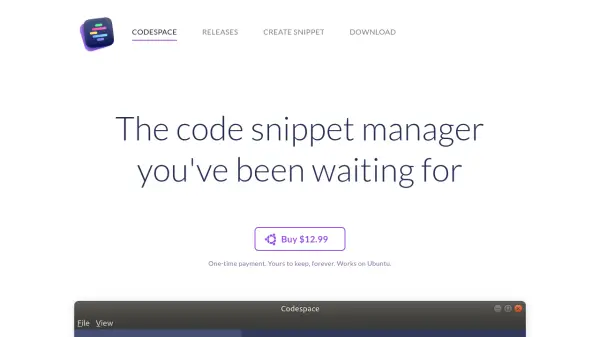
The code snippet manager you've been waiting for

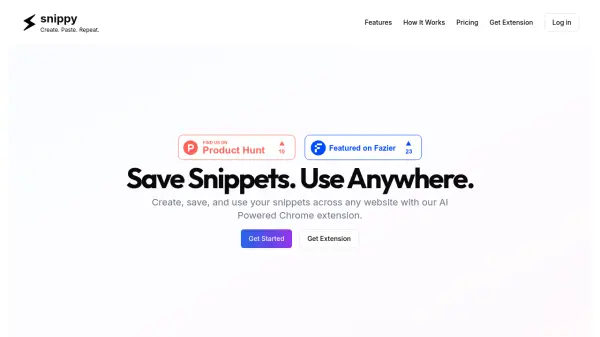
What is Codespace?

Codespace is a code snippet management tool designed to help developers organize, search, and share code snippets efficiently. It offers a user-friendly interface with features like categorized folders, quick search functionality, and one-click sharing through unique links.

The tool supports multiple platforms including macOS, Windows, and Ubuntu, providing offline-first storage for accessibility in various environments. Additional features include menu bar shortcuts for quick access and customizable themes to match user preferences.

Features

  • Categorization: Organize snippets into branded folders for easy navigation
  • Quick Search: Find specific code snippets rapidly
  • Effortless Sharing: Export and share snippets with unique links
  • Cross-Platform: Works on macOS, Windows, and Ubuntu
  • Menu Bar Access: Quick access to snippets via menu bar shortcut
  • Offline-First: Store snippets locally for access without internet
  • Themes: Switch between light and dark themes

Use Cases

  • Organizing and managing code snippets for personal projects
  • Sharing code snippets with team members or colleagues
  • Quickly accessing frequently used code during development
  • Storing code snippets offline for remote or travel coding

Related Tools:

Blogs:

  • AI tools for video voice overs

    AI tools for video voice overs

    Discover the next level of video production with AI-powered voiceover tools. Enhance your content effortlessly, ensuring professional-quality narration for your videos.

  • Best AI tools for Product Photography

    Best AI tools for Product Photography

    Explore top AI tools that can elevate your product photography, helping you enhance images, streamline workflows, and create professional visuals with ease.

  • Top 6 AI note-taking tools for 2026: in-person, online, and hybrid use cases

    Top 6 AI note-taking tools for 2026: in-person, online, and hybrid use cases

    Most AI note-taking lists are really lists of meeting bots, which join your video call and transcribe it. That's useful, but it's half the picture. Decisions happen in hallway conversations, client dinners, on-site visits, and hybrid rooms where nobody is on a video link. This guide covers different parts of the note-taking workflow: hardware capture for in-person settings, platform-native tools for online calls, and AI layers for organizing and synthesizing what you've captured. It compares six tools by capture context, workflow fit, pricing, and limitations.

Didn't find tool you were looking for?

Be as detailed as possible for better results