What is Codeberg Pages?
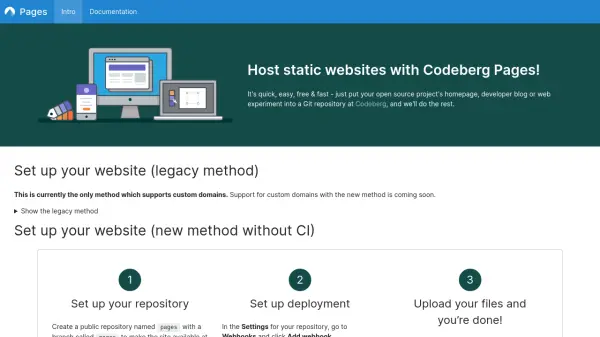
Codeberg Pages provides a straightforward solution for hosting static websites by leveraging Git repositories on the Codeberg platform. Users can deploy their open-source project homepages, developer blogs, or web experiments with minimal setup. The service supports multiple deployment methods, including legacy and new approaches, to accommodate various workflows and requirements.
Static content such as HTML, CSS, fonts, and images can be uploaded to a designated repository or branch, making the website accessible via a subdomain. Custom domains are supported through DNS configuration, with options for both CNAME and apex domain setups. The platform integrates with Forgejo Actions for automated deployment when using static site generators, enhancing efficiency for developers.
Features
- Static Website Hosting: Hosts static websites directly from Git repositories on Codeberg
- Multiple Deployment Methods: Offers legacy, new without CI, and new with CI deployment options
- Custom Domain Support: Allows use of custom domains with DNS configuration
- Free Service: Provides hosting at no cost for open-source projects
- Forgejo Actions Integration: Supports automated deployment with static site generators
Use Cases
- Deploying open-source project homepages
- Hosting developer blogs
- Publishing web experiments
- Creating static websites for documentation
- Setting up personal or organizational websites