
What is CMYK Pantone?
CMYK Pantone is a specialized color conversion tool designed to bridge the gap between digital and print color systems. It allows users to input CMYK (Cyan, Magenta, Yellow, Key/Black) values and instantly receive the closest matching Pantone color, which is essential for maintaining color accuracy across different materials and printing processes.
The tool features an intuitive interface where users can enter CMYK percentages and view real-time color previews along with corresponding RGB and HEX values. It utilizes advanced algorithms to ensure precise color matching, eliminating the guesswork traditionally associated with manual conversions. This makes it particularly valuable for graphic designers, printers, and branding professionals who require consistent color reproduction in their projects.
Features
- CMYK to Pantone Conversion: Instantly converts CMYK values to the closest Pantone color match
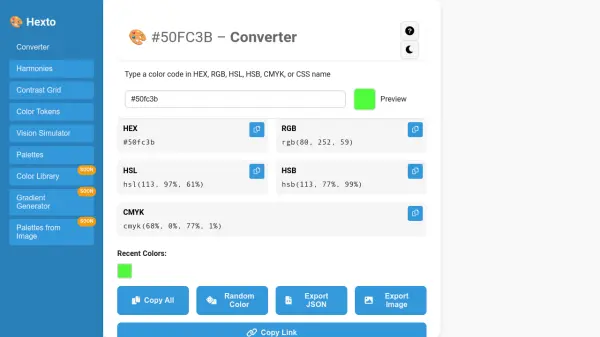
- Color Preview: Displays real-time color previews with CMYK, RGB, and HEX values
- Multiple Color Converters: Includes converters for HEX, HSL, HSV, RGB, and Pantone to various formats
- Intuitive Interface: User-friendly design for seamless color input and results viewing
- Advanced Algorithms: Uses precise algorithms for accurate color matching
Use Cases
- Converting digital CMYK colors to Pantone for print materials
- Ensuring brand color consistency across different media
- Simplifying color communication between designers and printers
- Matching colors for product design and packaging
- Preparing files for professional printing with Pantone spot colors