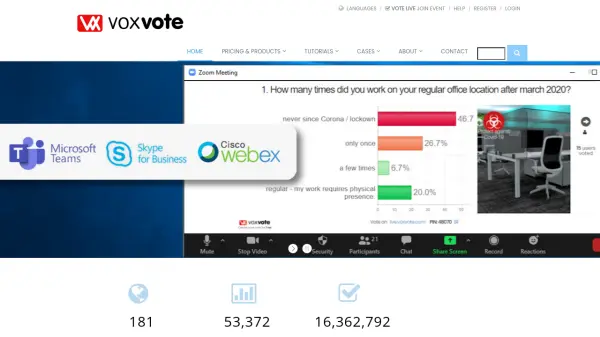

What is CloudVOTE?
CloudVOTE is a comprehensive platform designed for electronic voting and training management. It allows organizations to conduct secure voting sessions and distribute training content through an intuitive interface. Users can create voting motions or coursework in PowerPoint and upload them directly to the system, which supports both live and self-paced modes for participant engagement.
The platform provides detailed real-time reporting and analysis of participant responses, enabling immediate feedback and post-session evaluation. With features like content version management, participant tracking, and integration capabilities, CloudVOTE streamlines the process of managing voting and training initiatives across various organizational settings.
Features
- Electronic Voting System: Secure, anonymous or identifiable voting for business meetings in real-time or self-paced mode
- Training Management System: Content distribution, version management, response data collection, and individual progress tracking
- Real-Time Reporting: Detailed analysis of participant responses available during and after sessions
- Content Integration: Upload PowerPoint presentations with automatic question recognition
- Multi-Device Support: Participants can respond using smartphones, tablets, or computers
Use Cases
- Conducting secure electronic voting for corporate meetings and elections
- Managing employee training programs with assessment and tracking
- Hosting interactive educational sessions with real-time feedback
- Facilitating hybrid meetings with both in-person and remote participants
- Documenting training outcomes and compliance requirements