ClipVideo AI favicon

ClipVideo AI
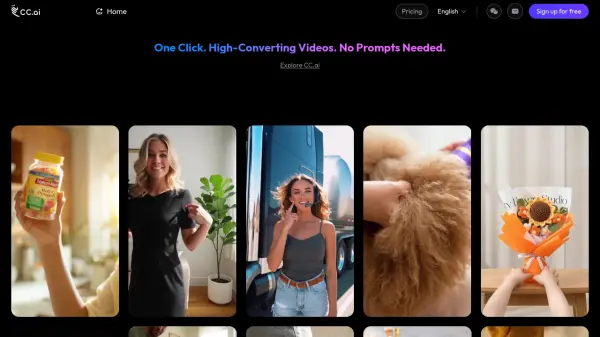
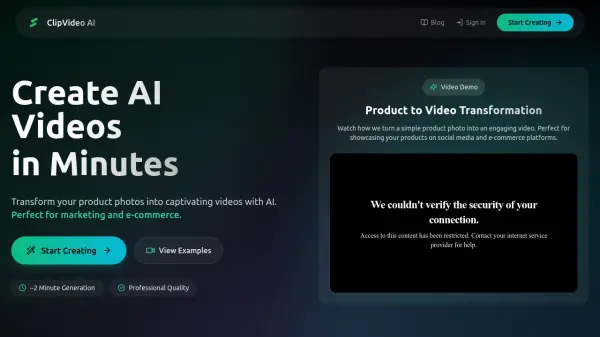
Transform Product Photos into Captivating Videos with AI

What is ClipVideo AI?

ClipVideo AI is a platform designed to transform your product photos into engaging, high-quality videos. It leverages artificial intelligence to streamline video creation, catering specifically to the needs of marketing and e-commerce professionals.

This platform offers a rapid video generation process, averaging around two minutes. With ClipVideo AI, users can effortlessly create content perfect for social media, advertising, and showcasing products.

Features

  • Product to Video Transformation: Turn simple product photos into engaging videos.
  • ~2 Minute Generation: Rapid video generation process.
  • Professional Quality: Creates high-quality video output.
  • Model Training: Offers model training capabilities.
  • Email support: Provides email support.

Use Cases

  • Creating social media content and ads
  • Generating videos for YouTube, TikTok, and Instagram
  • Integrating video generation into applications
  • Creating educational content and tutorials

Related Tools:

Blogs:

  • Best text to speech AI tools

    Best text to speech AI tools

    Text-to-speech (TTS) AI tools are designed to convert written or text-based content into natural-sounding spoken audio. These tools utilize various deep learning and neural network architectures to generate human-like speech from textual input.

  • Top 6 AI note-taking tools for 2026: in-person, online, and hybrid use cases

    Top 6 AI note-taking tools for 2026: in-person, online, and hybrid use cases

    Most AI note-taking lists are really lists of meeting bots, which join your video call and transcribe it. That's useful, but it's half the picture. Decisions happen in hallway conversations, client dinners, on-site visits, and hybrid rooms where nobody is on a video link. This guide covers different parts of the note-taking workflow: hardware capture for in-person settings, platform-native tools for online calls, and AI layers for organizing and synthesizing what you've captured. It compares six tools by capture context, workflow fit, pricing, and limitations.

Didn't find tool you were looking for?

Be as detailed as possible for better results